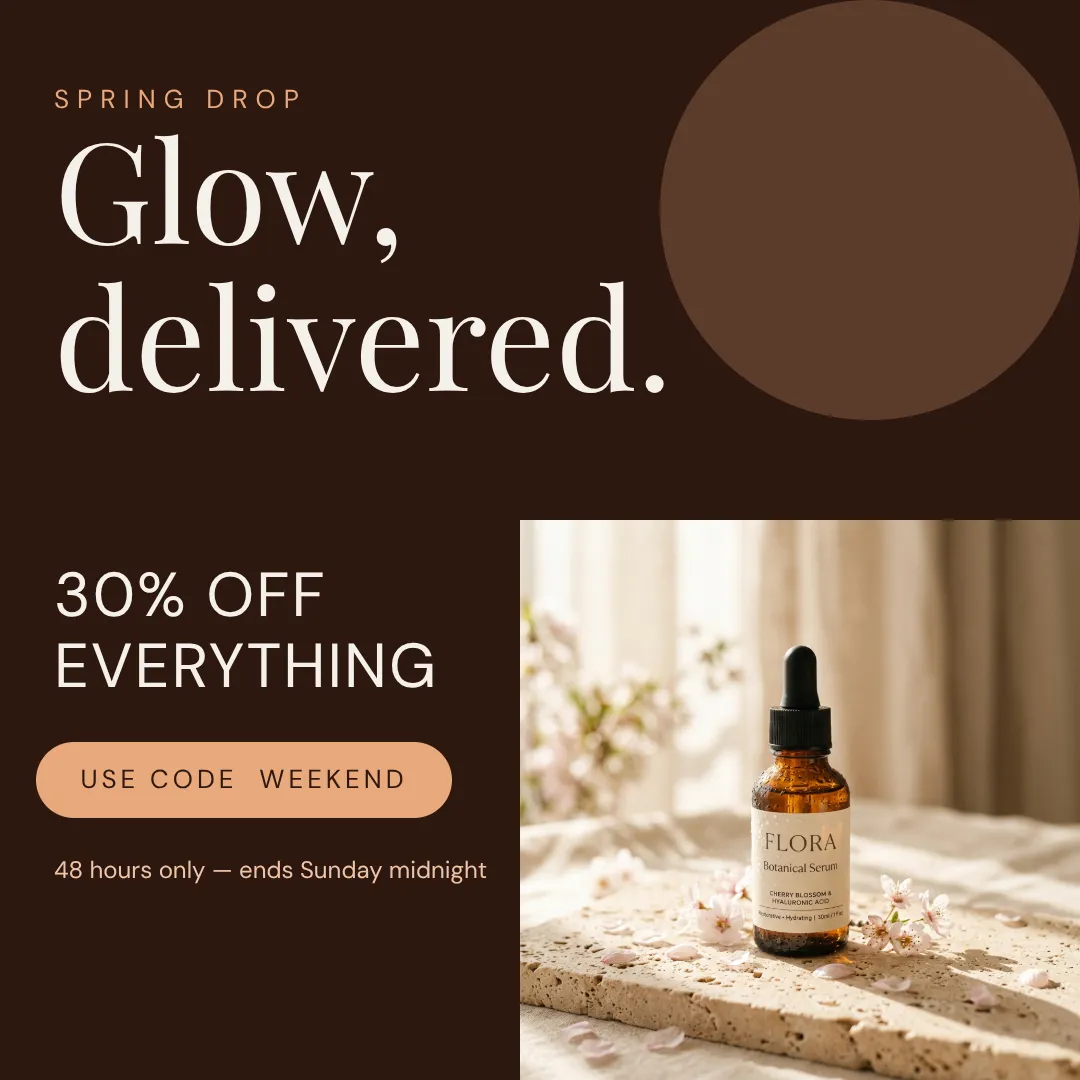
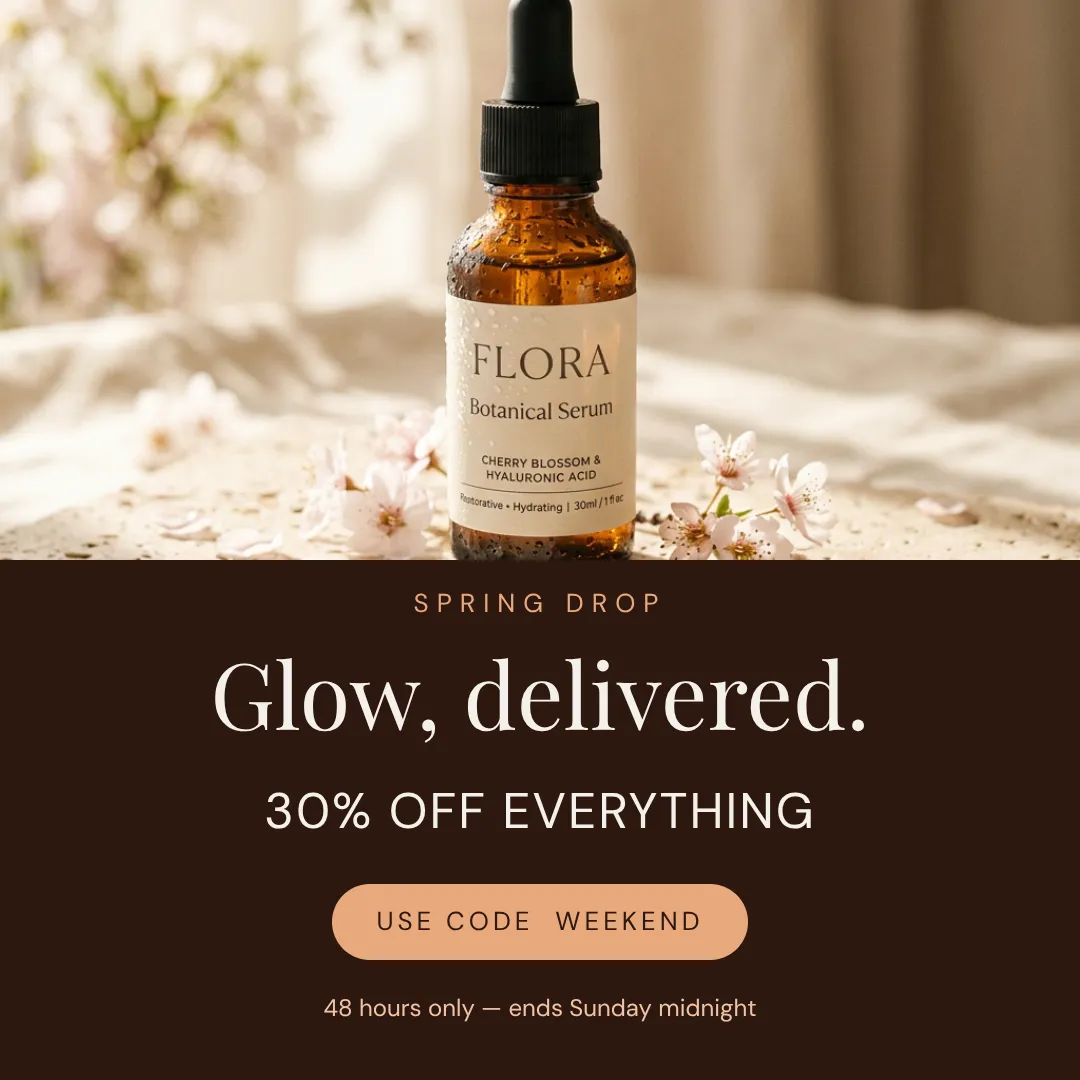
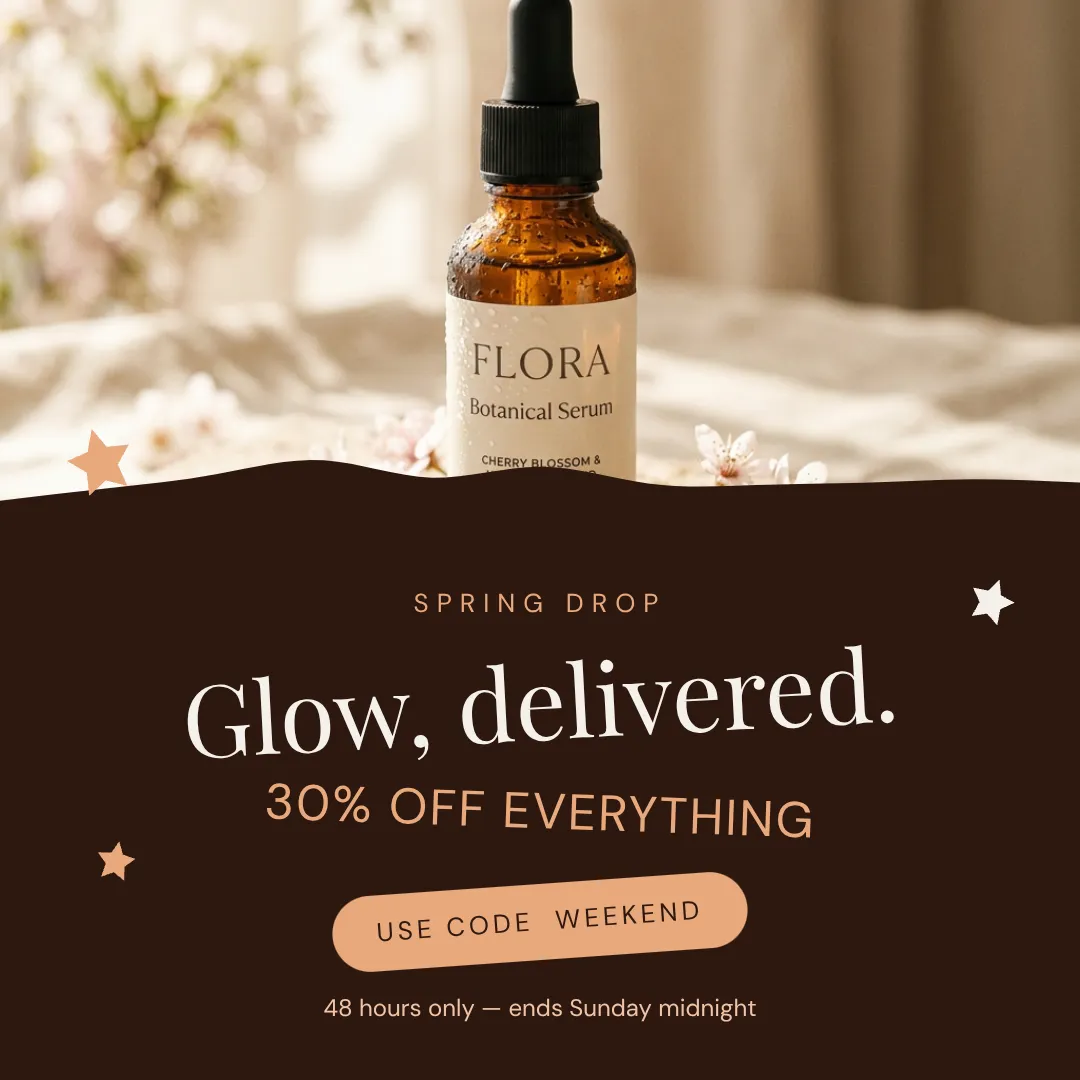
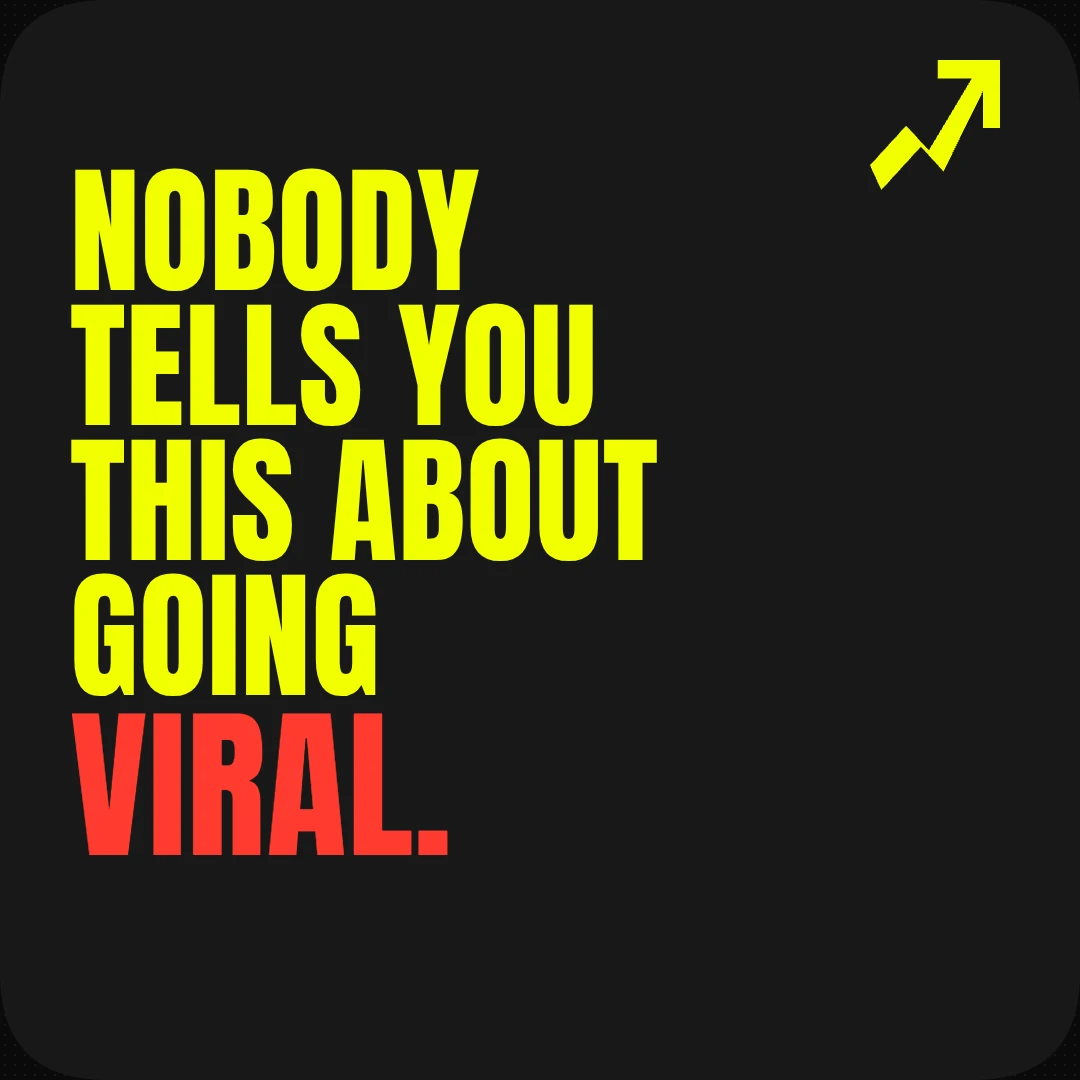
One sentence in.
A finished design out.

Anything you'd open Canva or Photoshop for, designed from scratch in 60 seconds. Posts, thumbnails, carousels, banners, even video. Every layer editable. Most people use it as-is.

7-day free trial · cancel in one click
10,000+creators on Krumzi
Product Hunt#5 Product of the Day
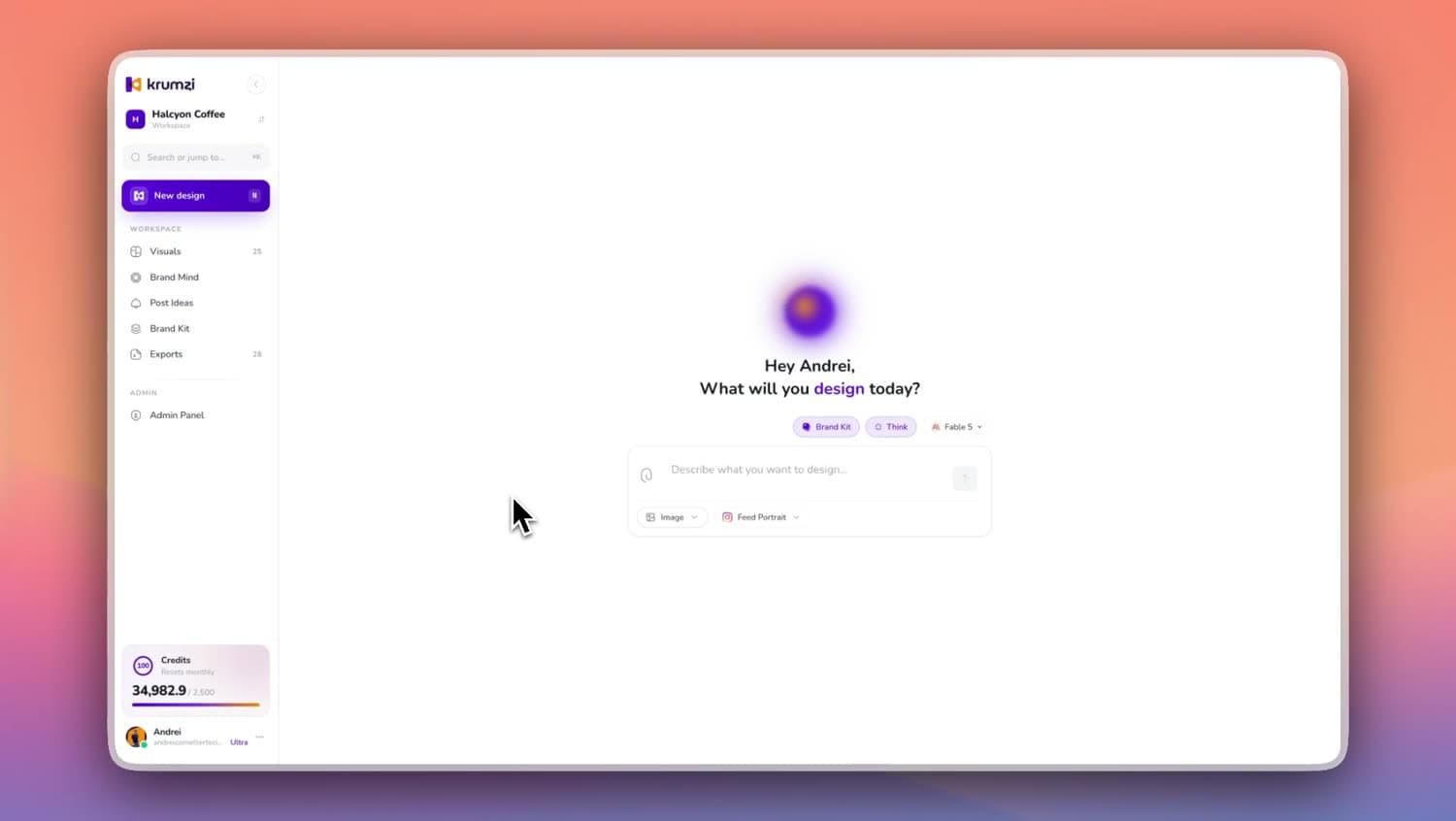
A real Krumzi session, from blank prompt to export. Sped up, nothing staged.
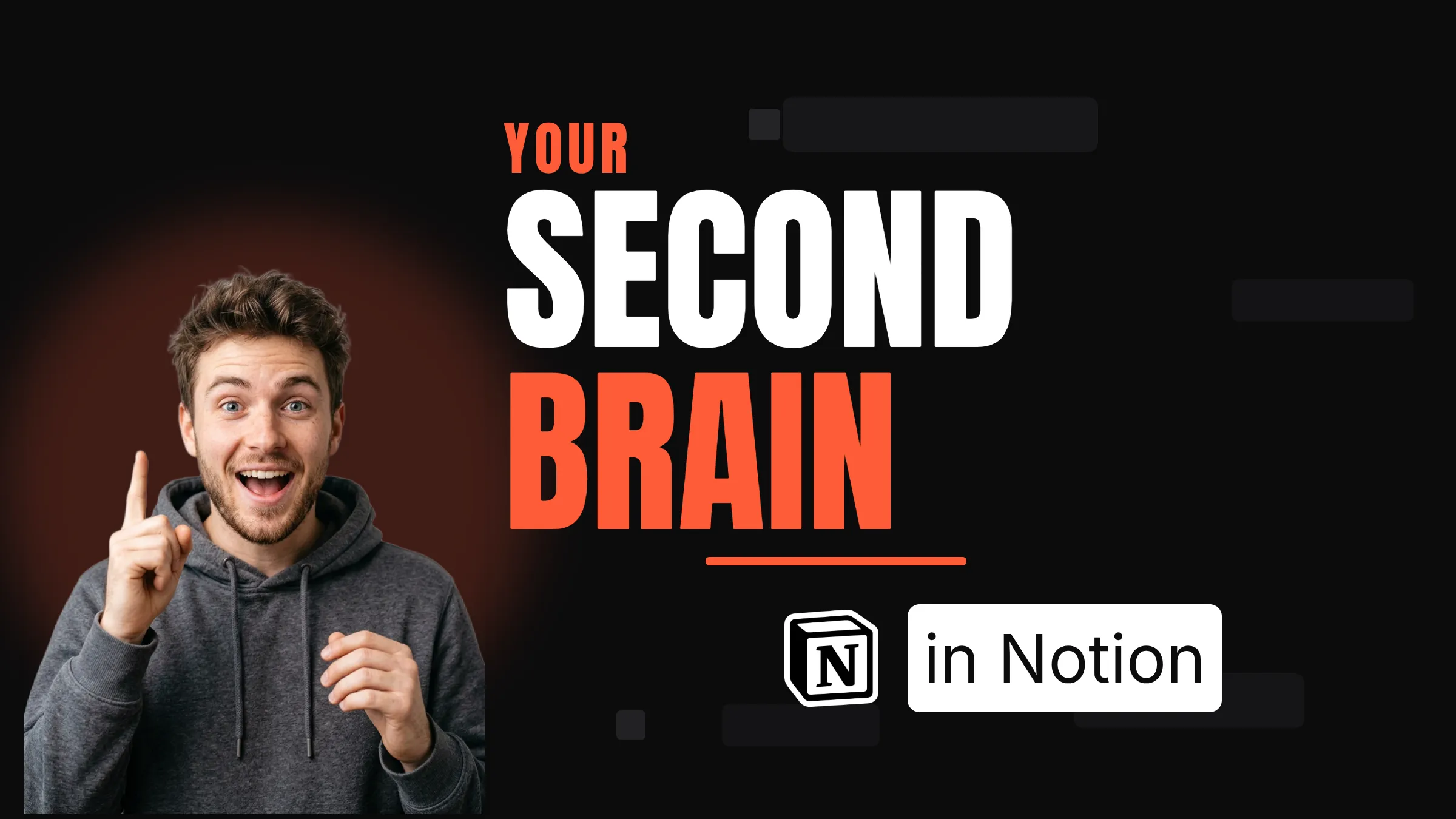
When did a Canva session last end
with you proud of what you made?

You pay monthly. You open it weekly. You barely ship anything you actually like.

And it's not taste. You can scroll a competitor's feed and tell exactly which thumbnails will perform. You just can't make them yourself.

01
Your Canva session
One YouTube thumbnail
00:00
01:00Search "YouTube thumbnail"
03:00Scroll past 200 templates
06:00Pick template #47
09:00Recolor. Picker keeps closing.
13:00Move headline. Move it back.
18:00Add drop shadow. Remove it.
23:00Try a different font. Switch back.
28:00Resize for IG. Resize again.
34:00Slide 2 doesn't match slide 1
39:00Open competitor's page. Feel small.
44:00Ship something "fine".

So you try anyway. Forty-five minutes go by.

You open Canva. Search for a template. Stare at the canvas. Make fifteen tiny decisions. You end up with something fine. Not great. Fine. You ship it anyway.

Result: nobody clicks
02
Designer
Typography theory
Color theory
Composition
Visual hierarchy
Brand systems
Software fluency
Trend literacy
Years of practice
Years to learn.
You
The actual job
you got into this
to do.
One full plate already.

The problem isn't your taste. It isn't your effort. You're trying to do a job that takes designers years to learn, on top of the actual job you got into this to do.

This isn't a skill problem.
It's a role problem.

Design is a full-time job. You already have one of those.

So we built the tool that does the design part for you.

How it works

Three steps. No tutorials.

If you can describe what you want, you can use Krumzi. The whole flow takes 60 seconds the first time and 30 seconds every time after.

What you type

One sentence. As specific or as loose as you like.

Real prompts people typed this week. That's what you write.

Briefs typed this week
#1“YouTube thumbnail for a video about Notion second brain setups. Bright. High contrast. My face on the left.”
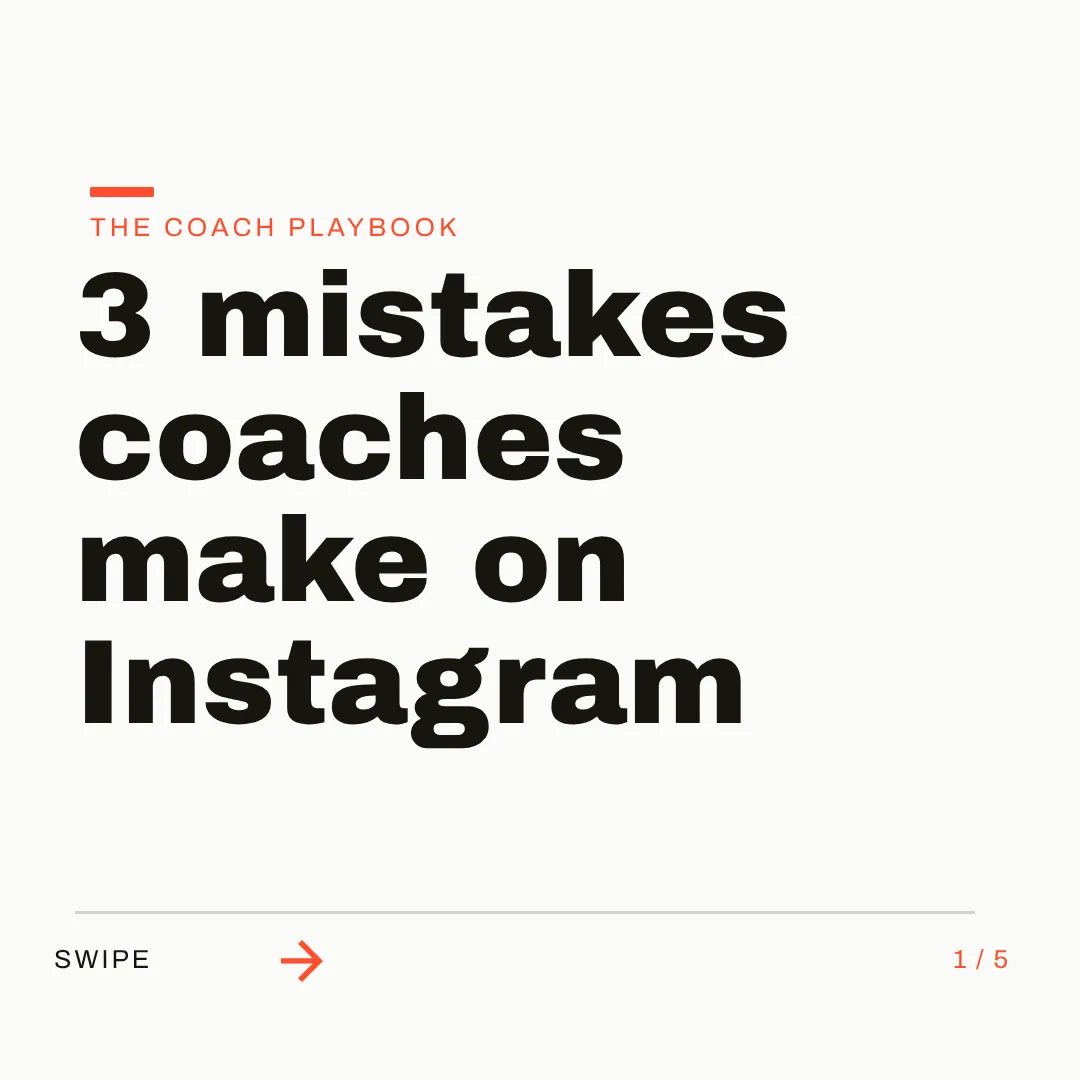
#2“Instagram carousel, five slides on three mistakes coaches make on Instagram. Modern, bold, lots of white space.”
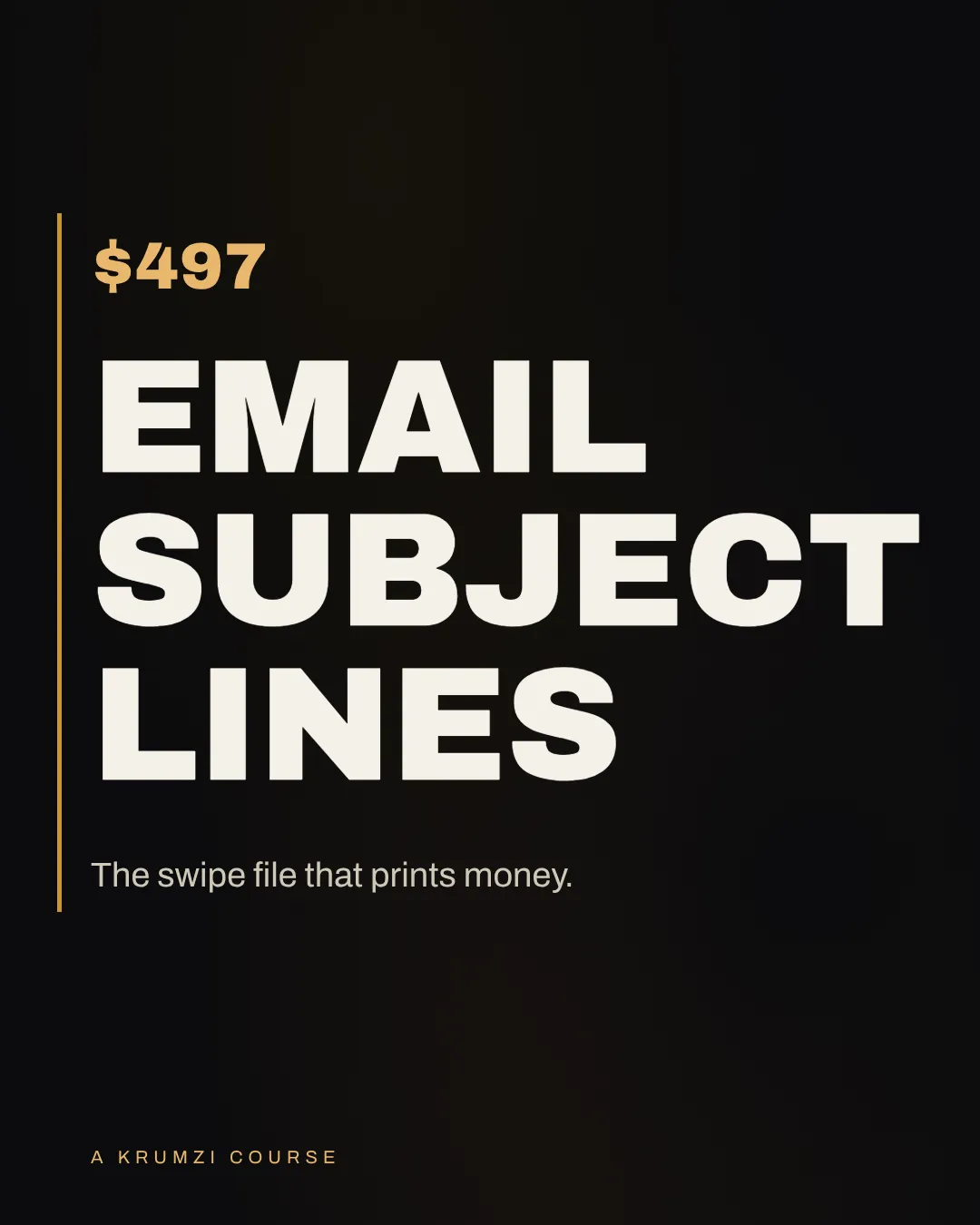
#3“Sales page banner for a $497 course on writing better email subject lines. Dark mode. Confident.”
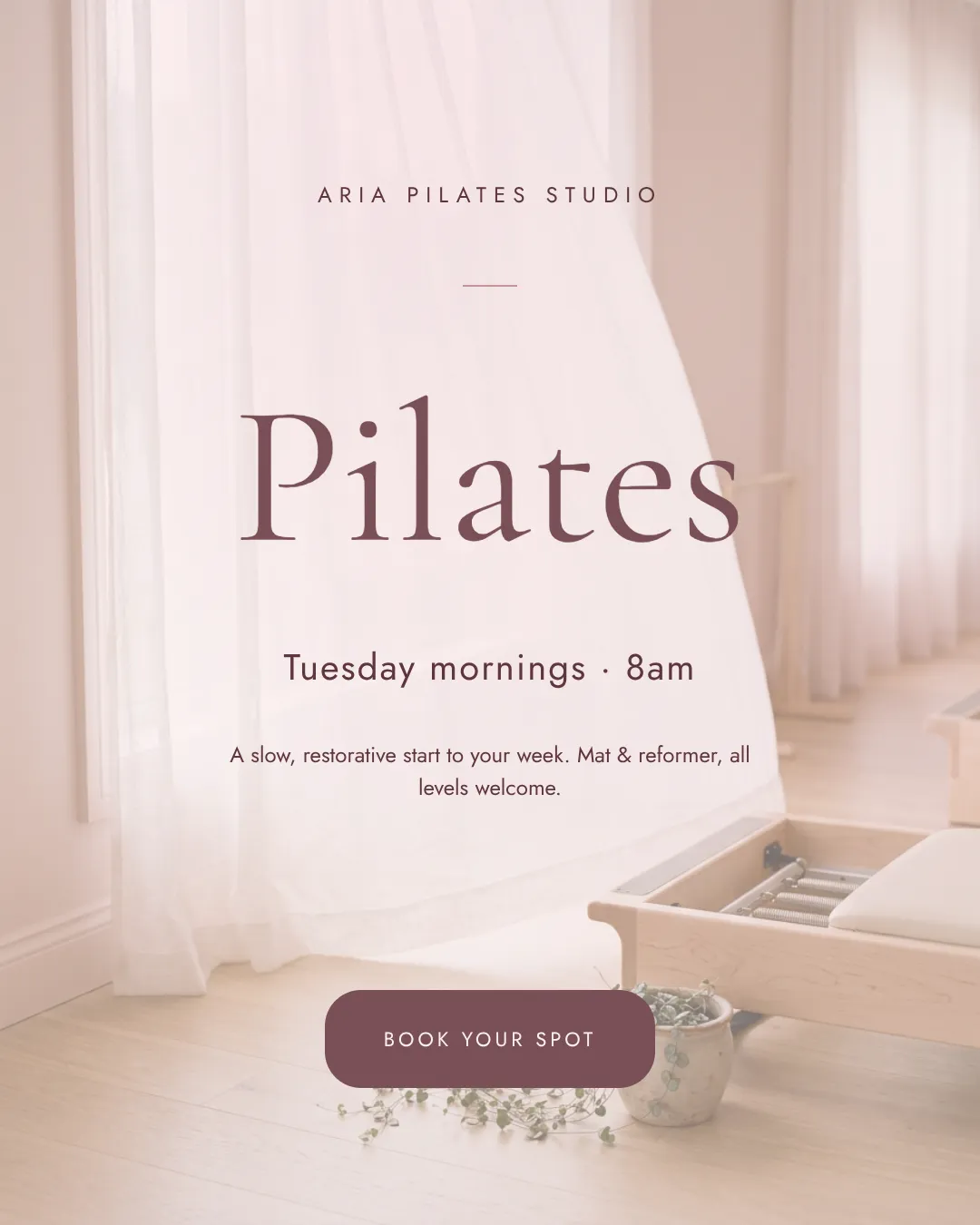
#4“Flyer for my Pilates studio. Tuesday morning class. Pastel pink. Something inviting.”
What people say

The design work,
handled.

Coaches, creators, and small teams on what changed after Krumzi.

If Canva or Photoshop can make it,
so can Krumzi.

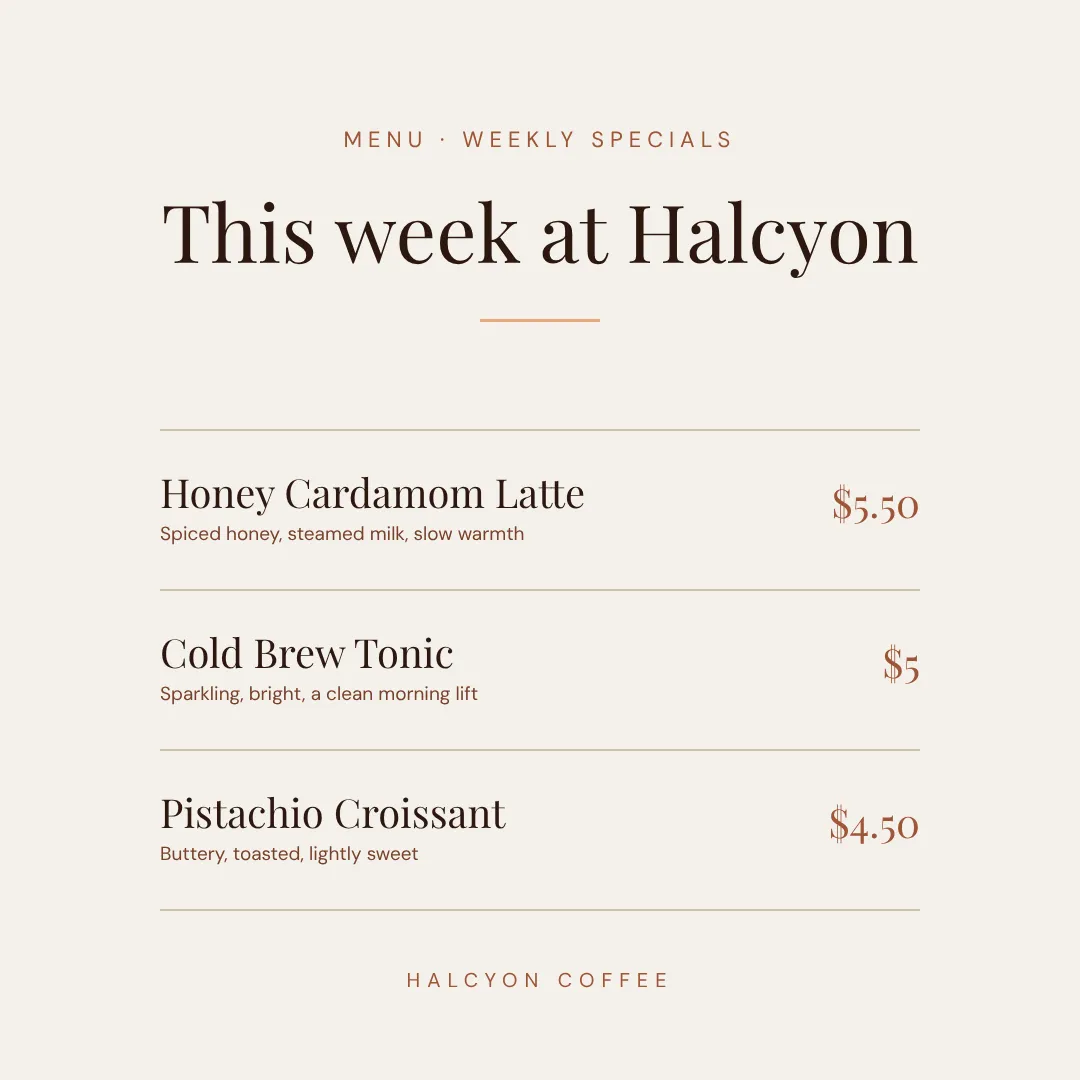
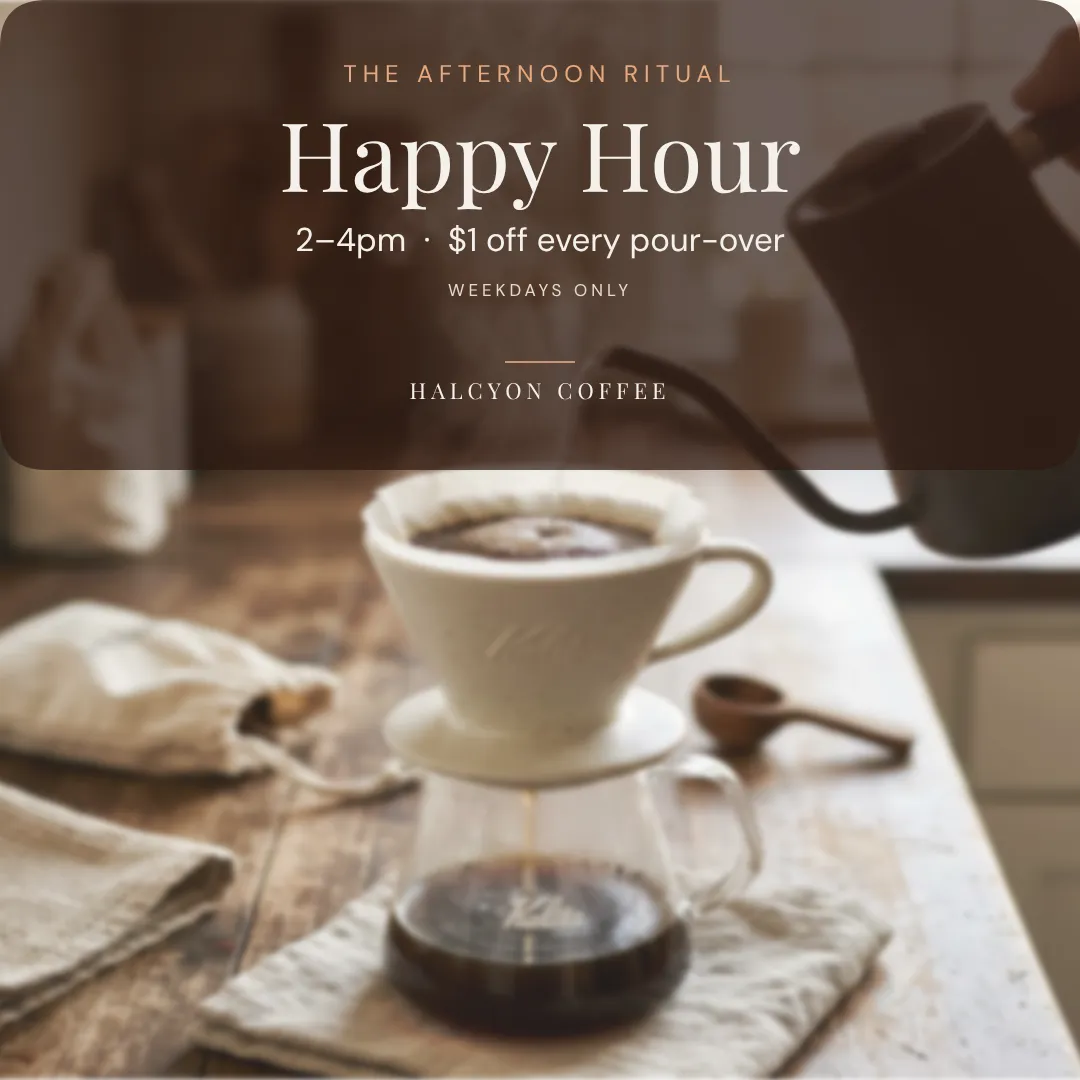
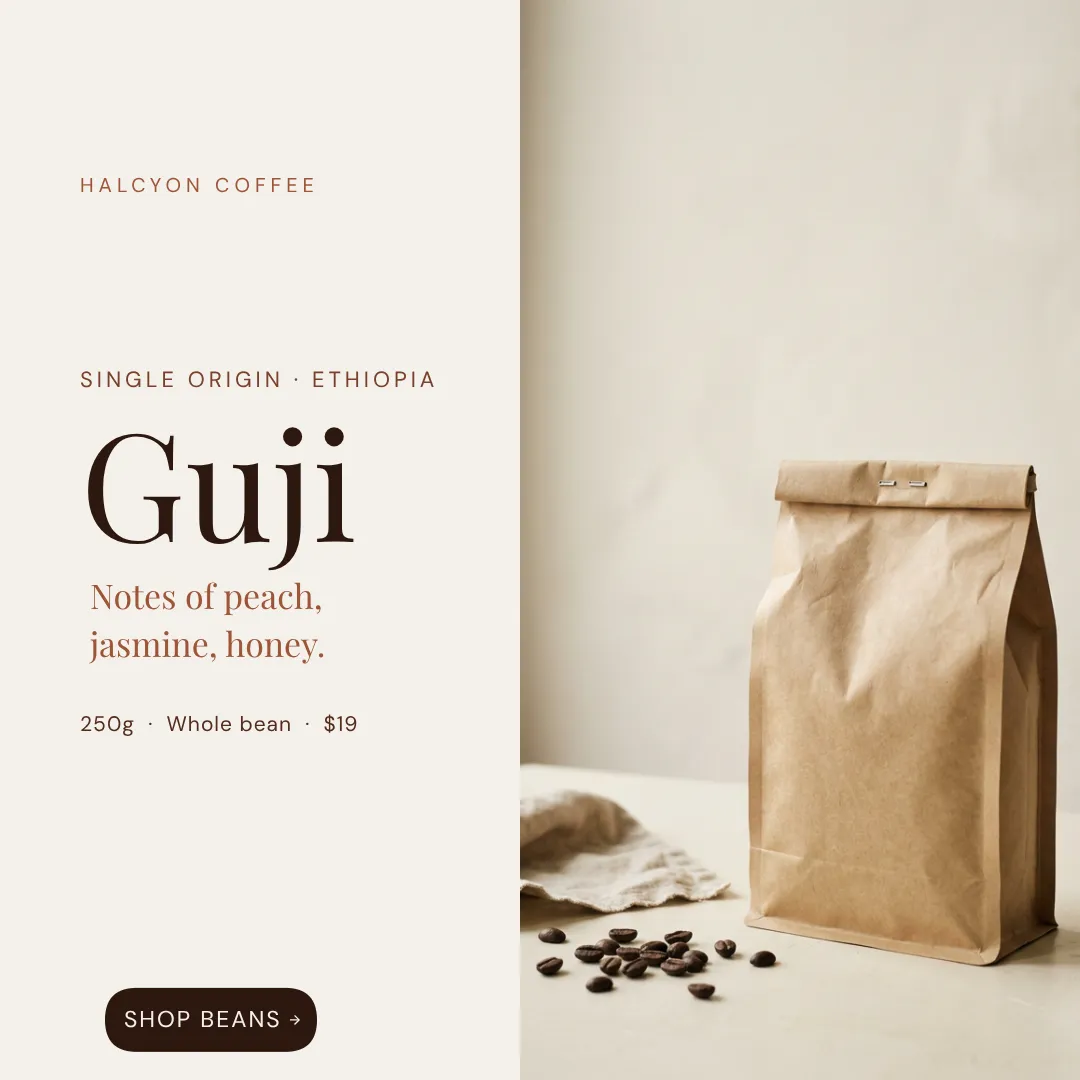
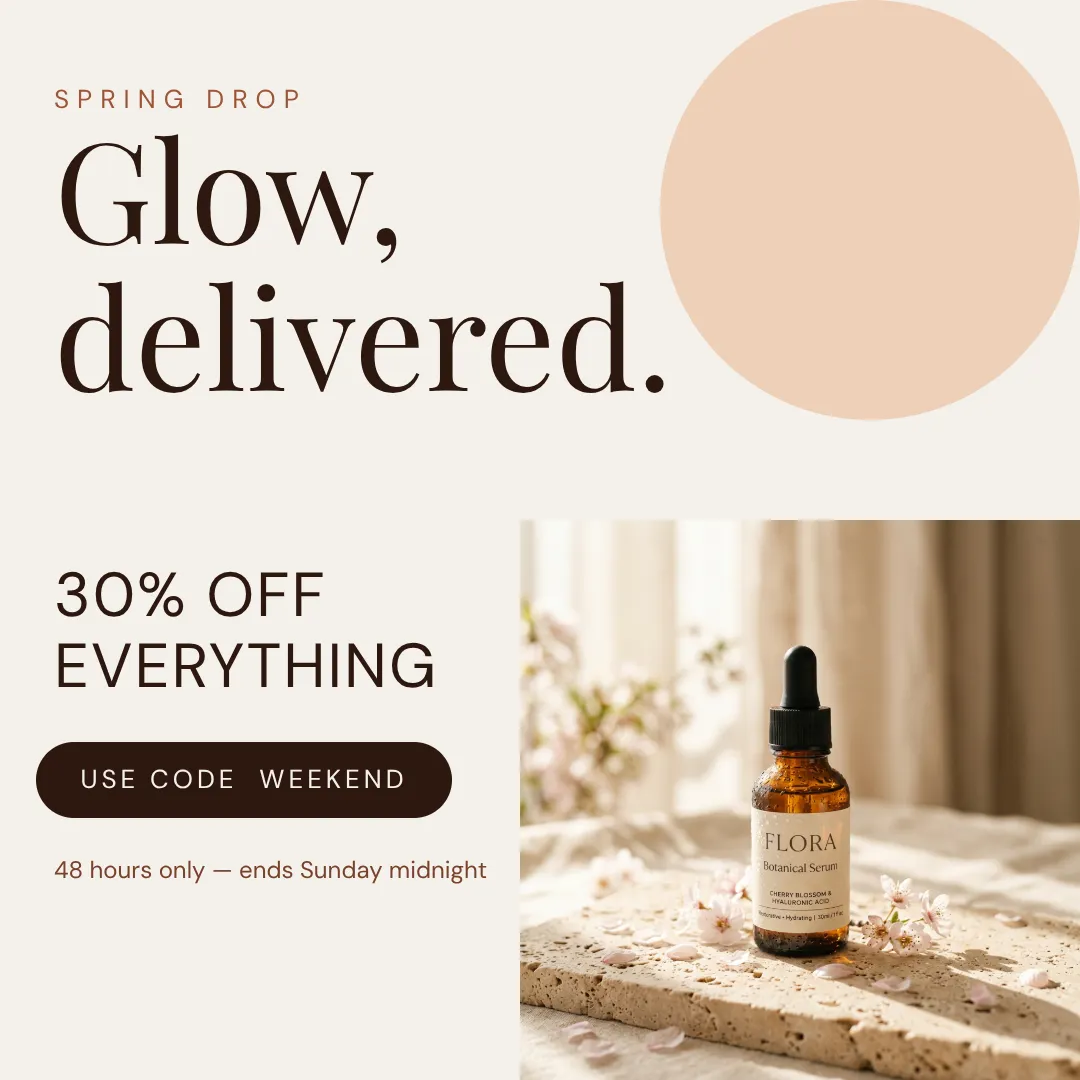
Every format below came from one sentence. No templates, no presets.

YouTube thumbnail
YouTube thumbnail
Prompt
Notion second brain · my face left · bright · high contrast
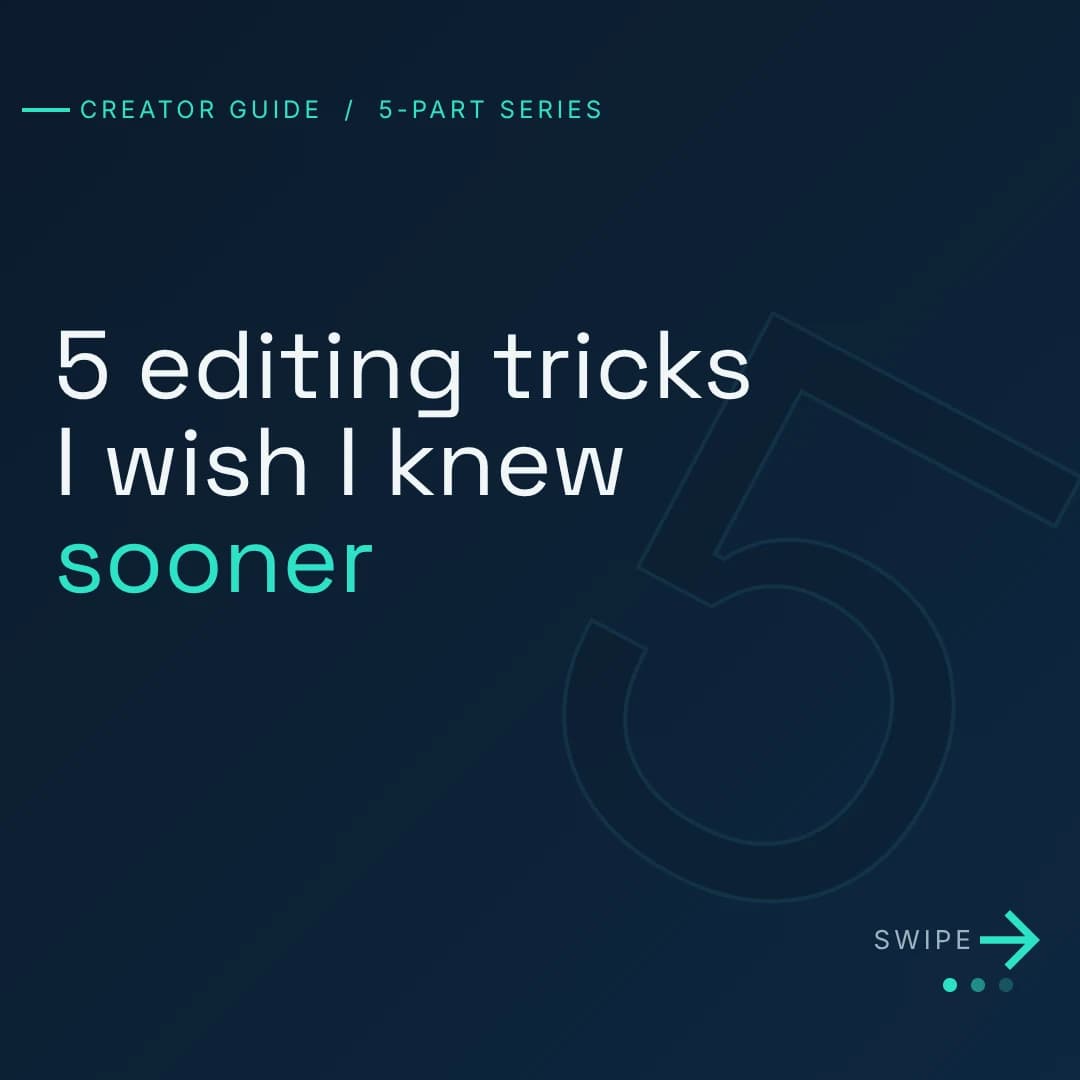
IG carousel 1/5
IG carousel 1/5
Prompt
3 mistakes coaches make on IG · 5 slides · bold
Course cover
Course cover
Prompt
$497 email subject lines · dark mode · confident
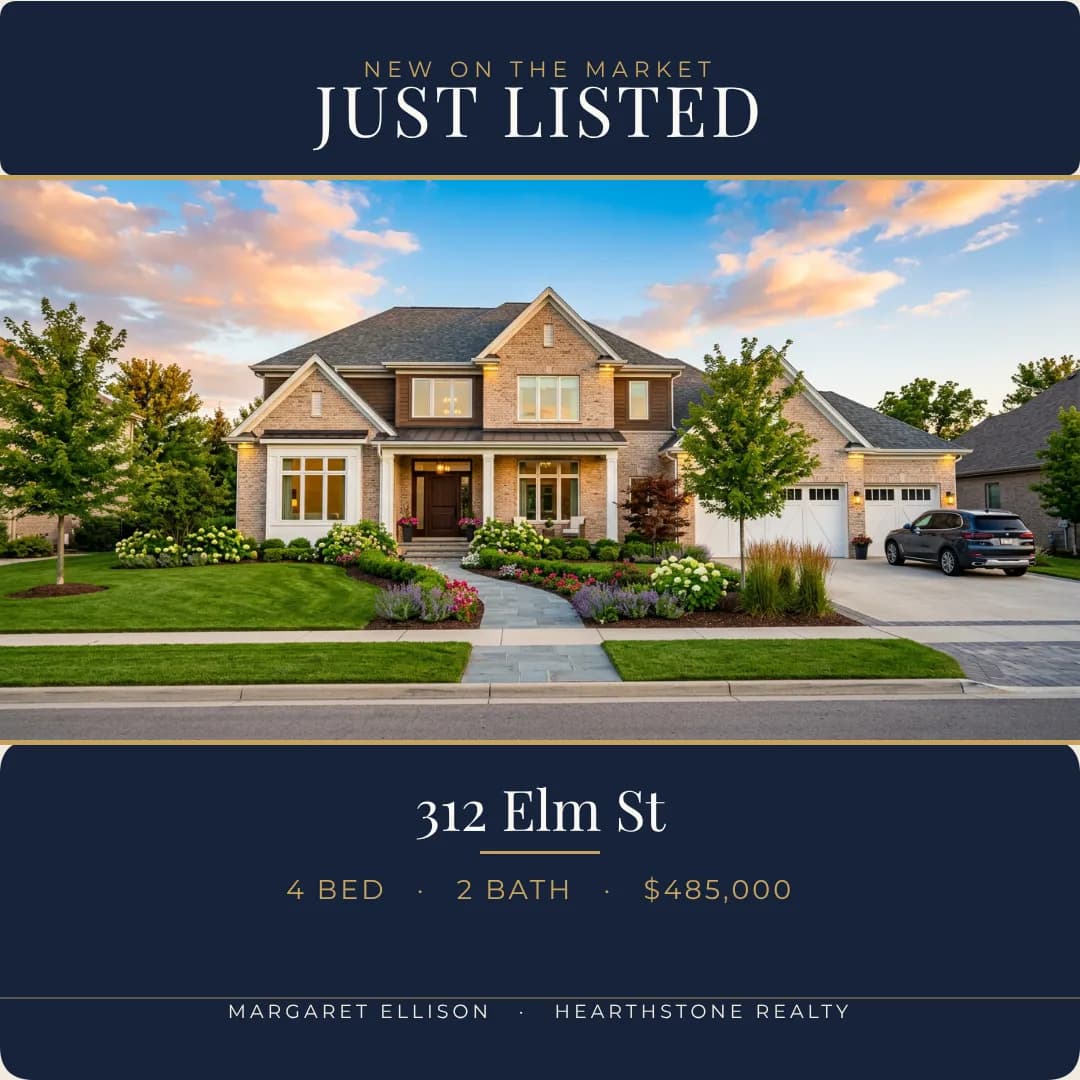
Just-listed post
Just-listed post
Prompt
312 Elm · 4 bed · $485K · just listed
YouTube thumbnail
YouTube thumbnail
Prompt
The $0 launch playbook · big serif · confident
Studio flyer
Studio flyer
Prompt
Pilates Tuesday morning · pastel pink · inviting
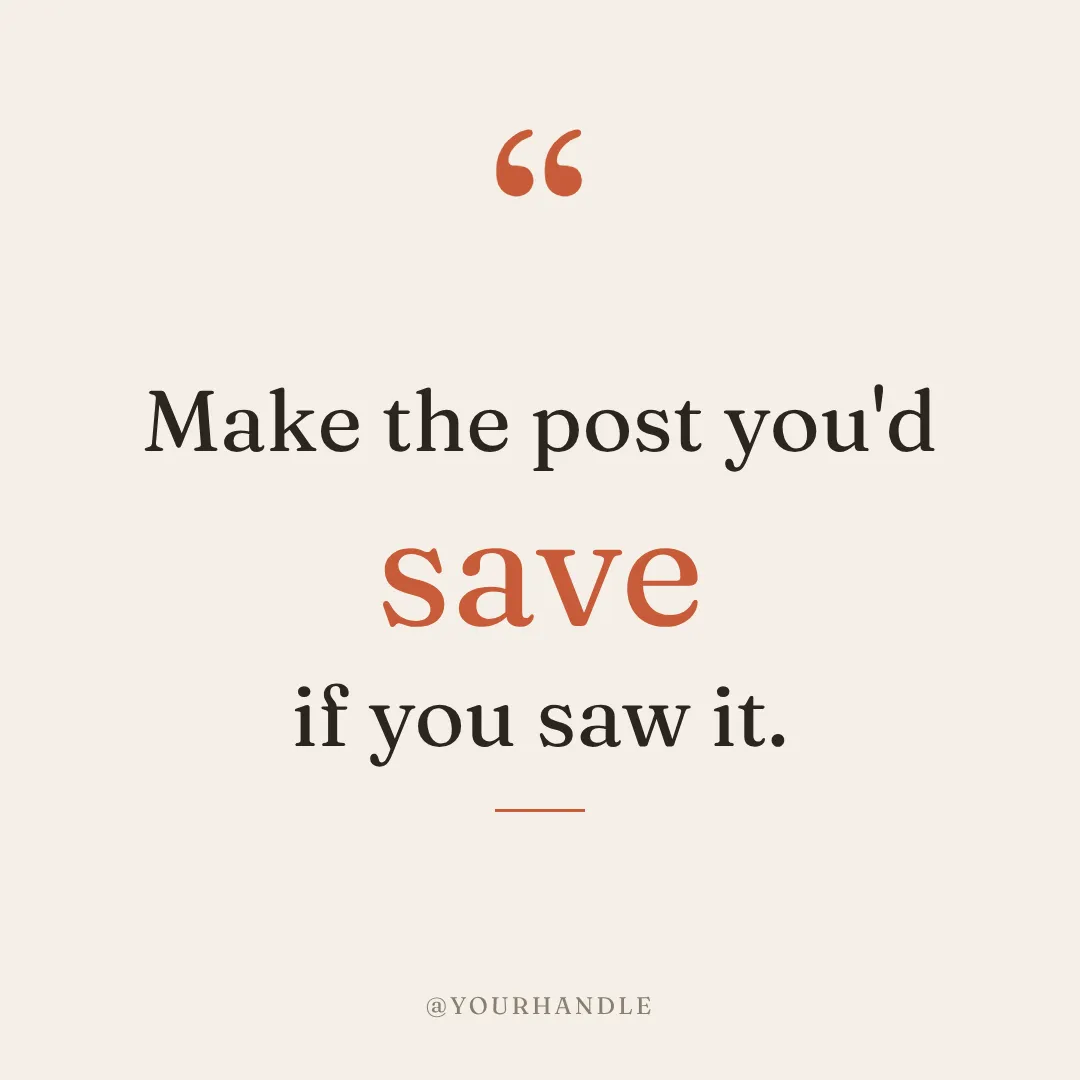
Quote post
Quote post
Prompt
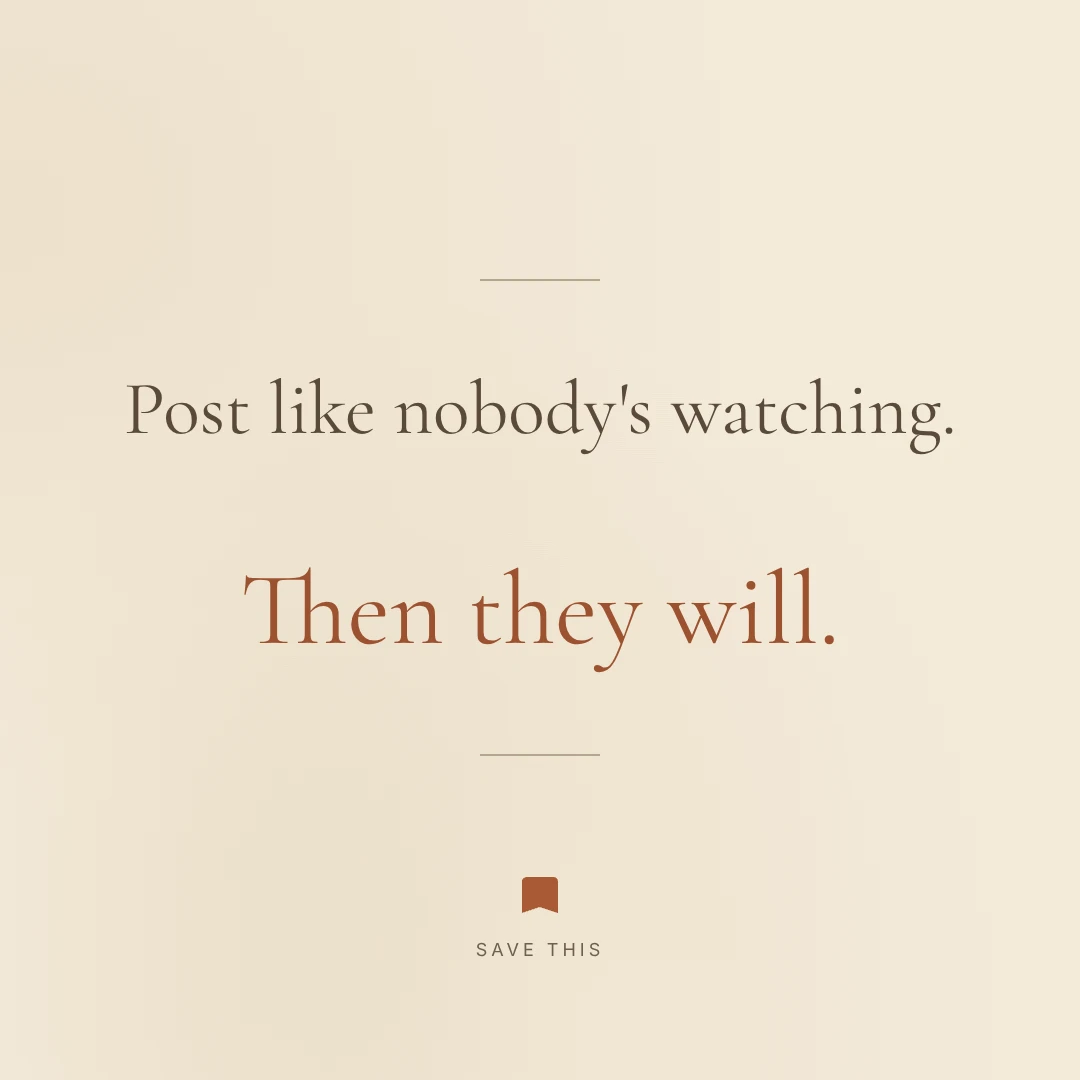
Make the post you'd save if you saw it
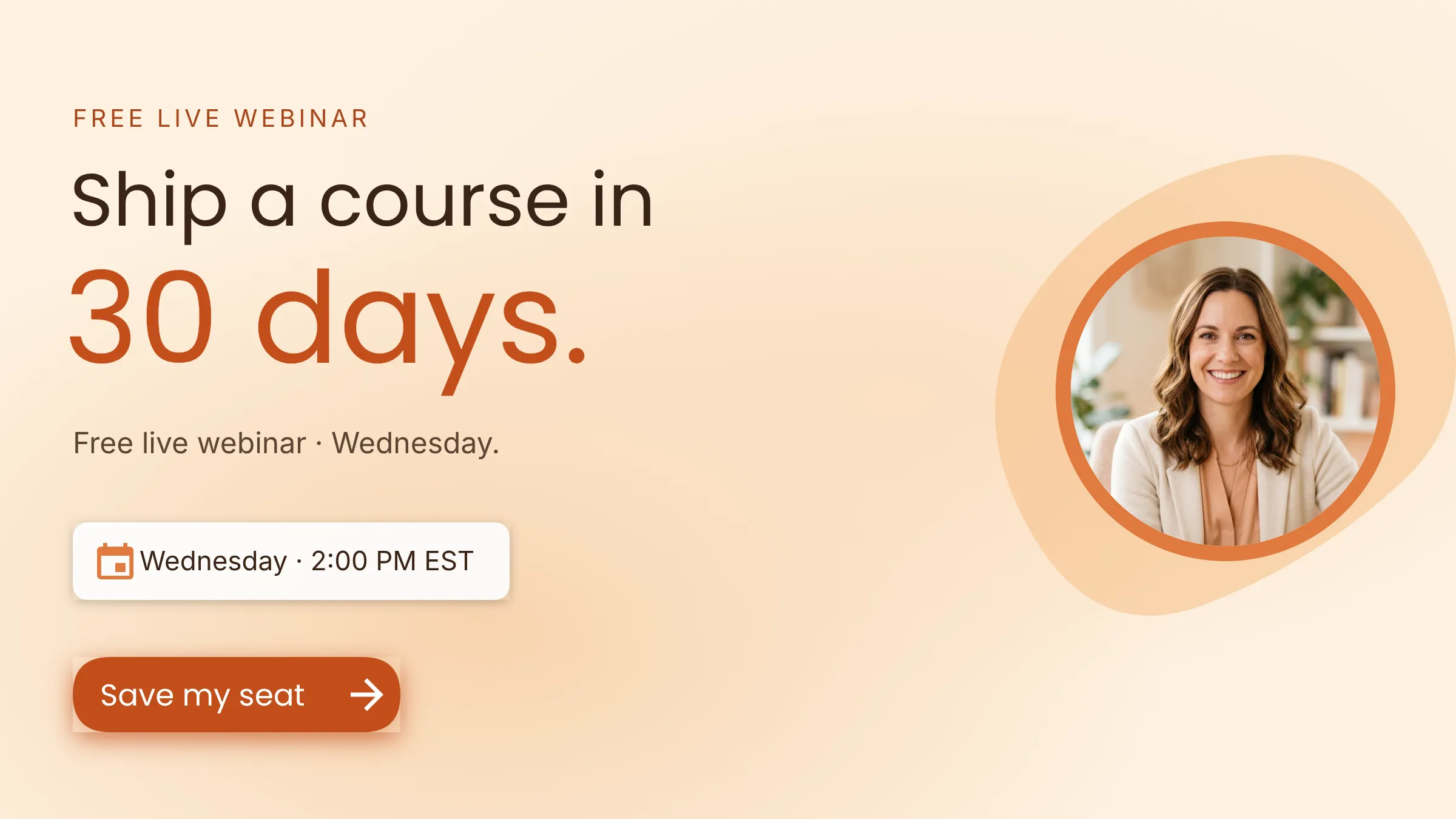
Webinar reg
Webinar reg
Prompt
Ship a course in 30 days · free webinar Wed
YouTube thumbnail
YouTube thumbnail
Prompt
Notion second brain · my face left · bright · high contrast
IG carousel 1/5
IG carousel 1/5
Prompt
3 mistakes coaches make on IG · 5 slides · bold
Course cover
Course cover
Prompt
$497 email subject lines · dark mode · confident
Just-listed post
Just-listed post
Prompt
312 Elm · 4 bed · $485K · just listed
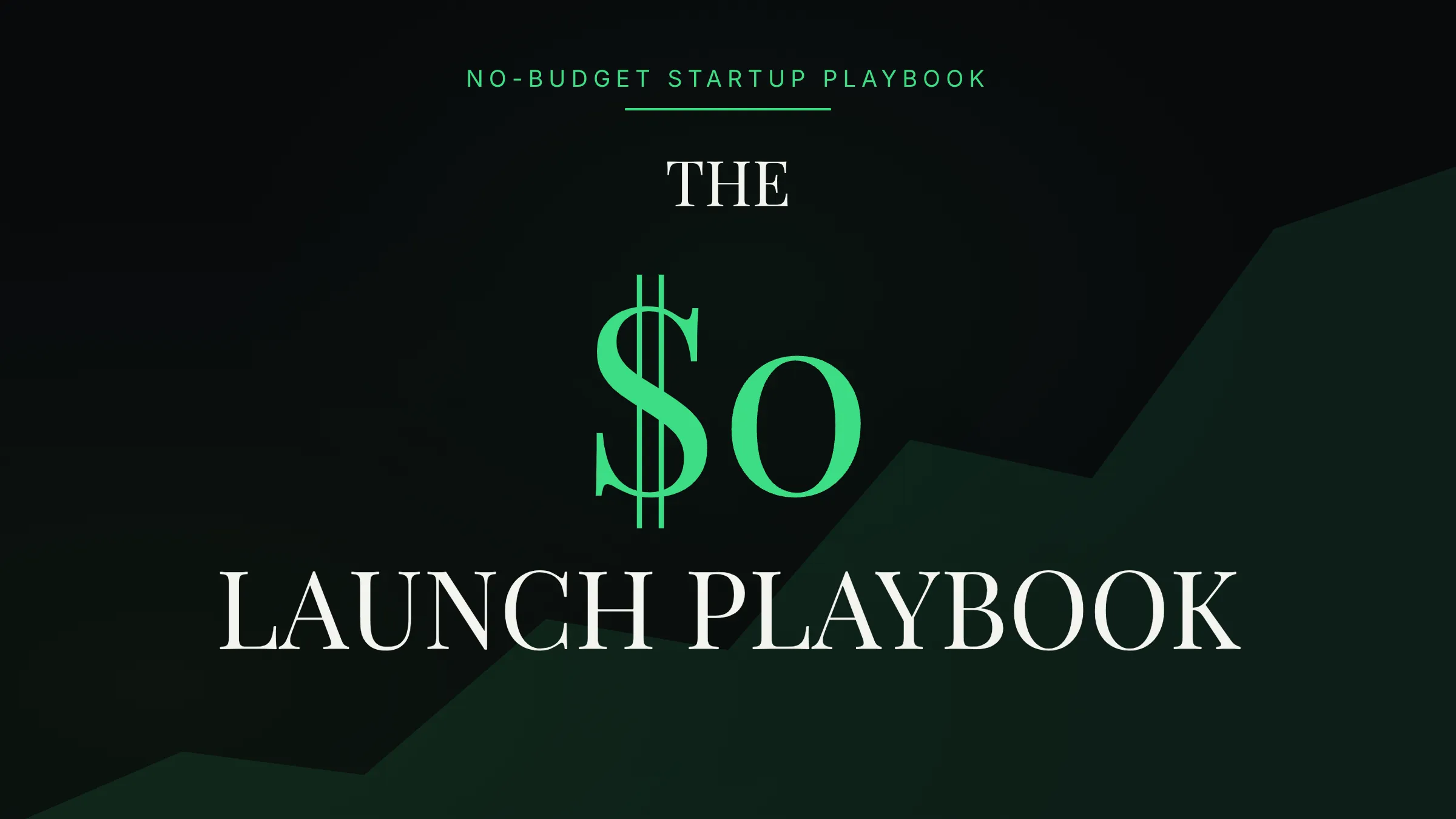
YouTube thumbnail
YouTube thumbnail
Prompt
The $0 launch playbook · big serif · confident
Studio flyer
Studio flyer
Prompt
Pilates Tuesday morning · pastel pink · inviting
Quote post
Quote post
Prompt
Make the post you'd save if you saw it
Webinar reg
Webinar reg
Prompt
Ship a course in 30 days · free webinar Wed
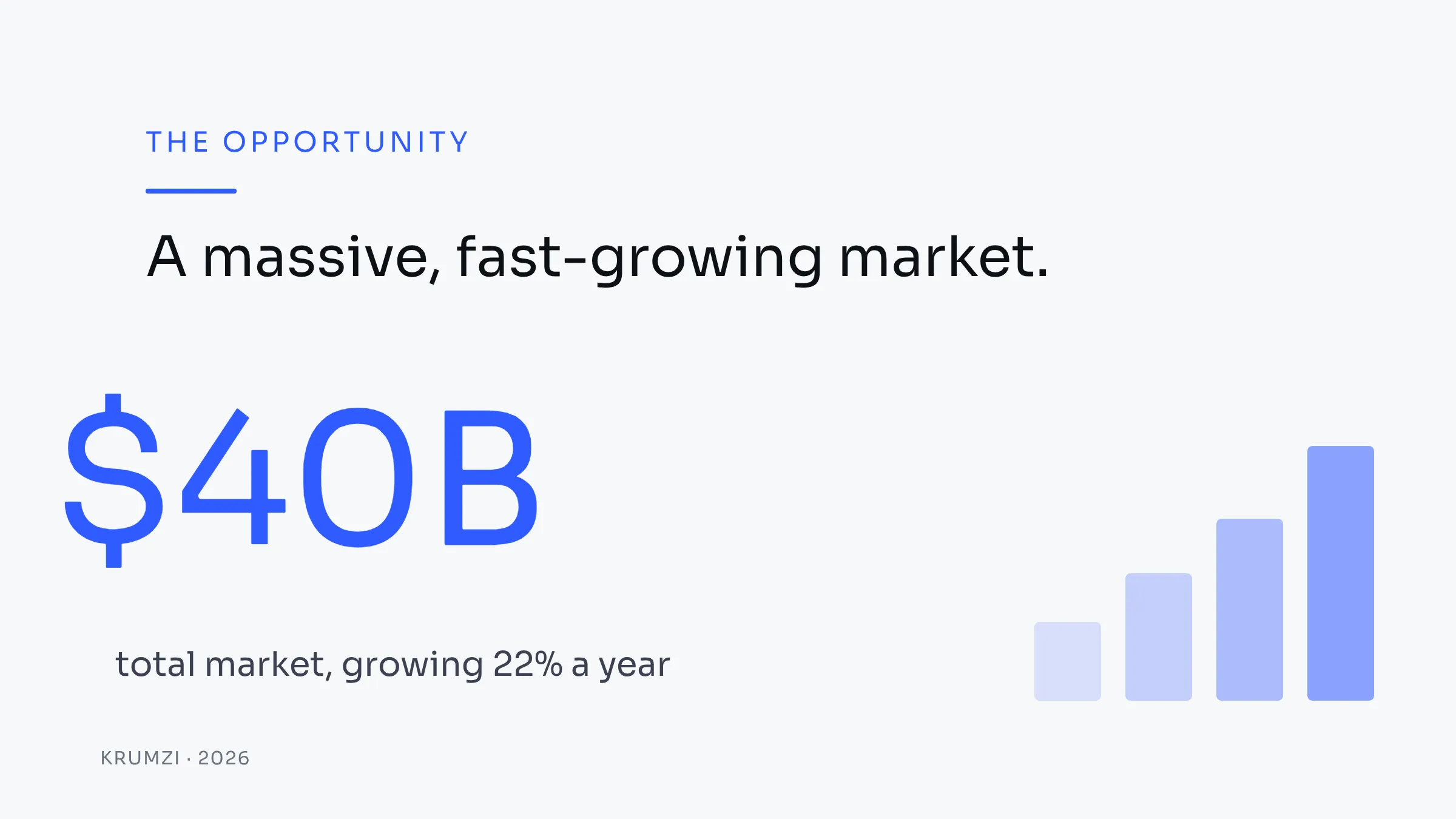
Pitch slide
Pitch slide
Prompt
Slide 3 · the opportunity · $40B market
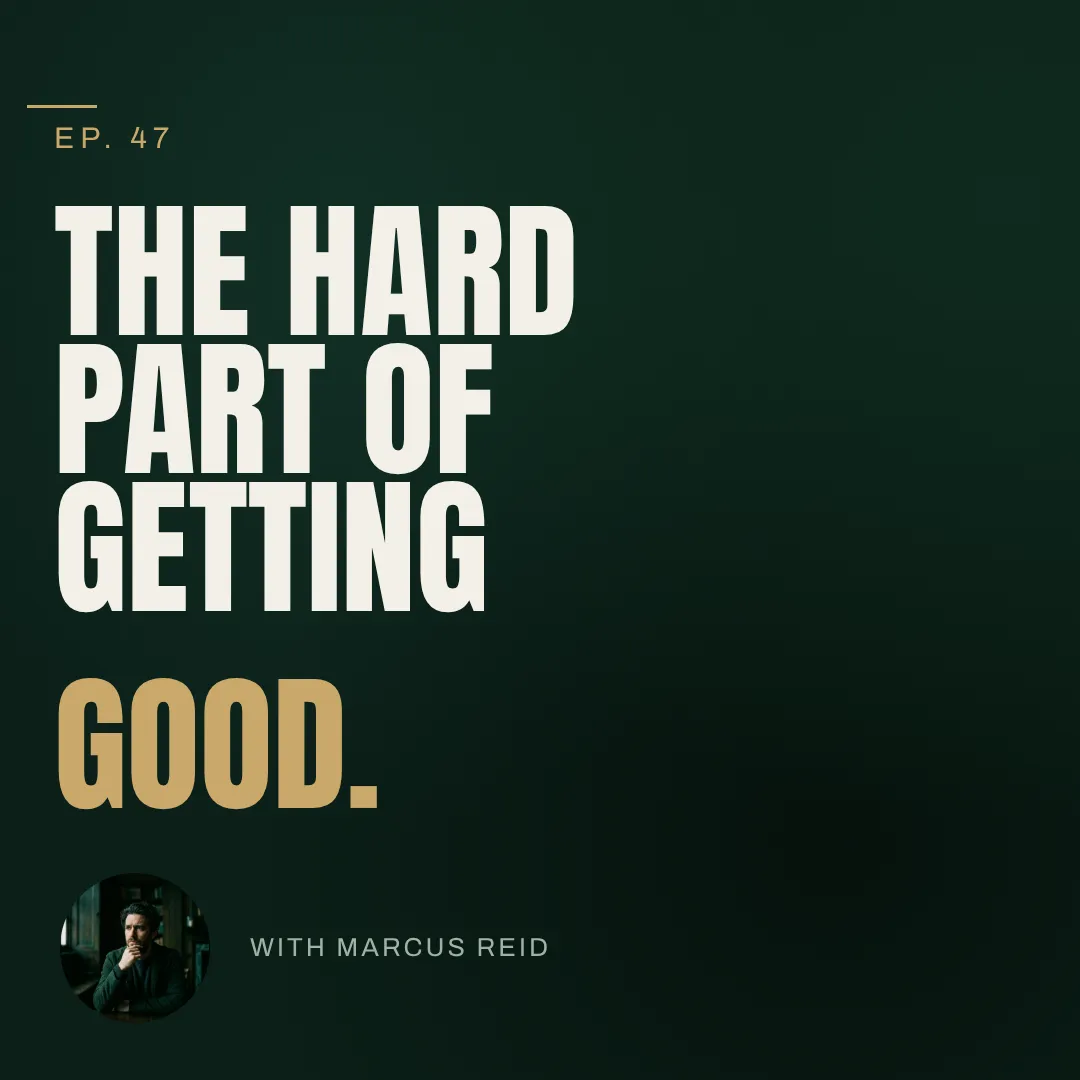
Podcast cover
Podcast cover
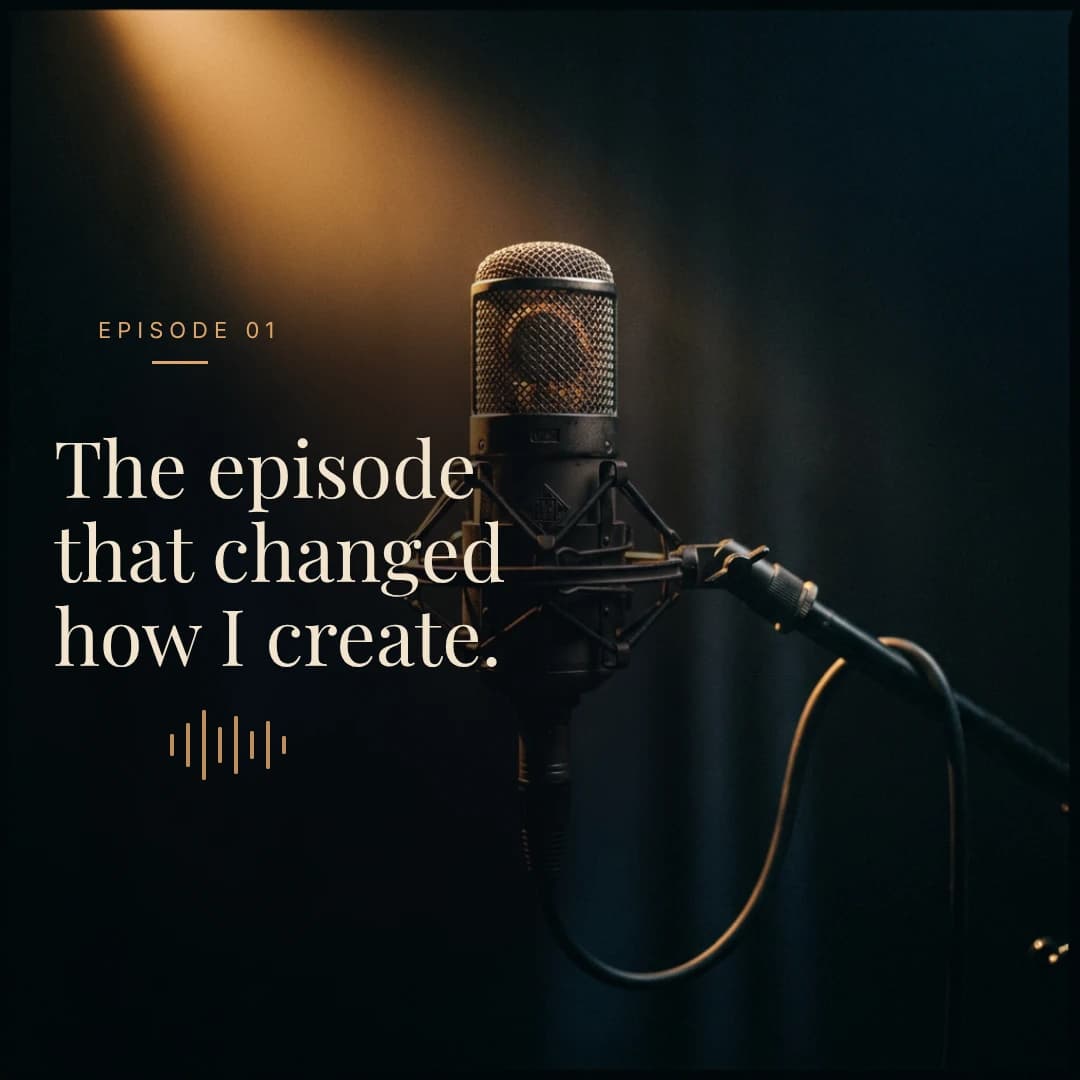
Prompt
Ep. 47 · the hard part of getting good
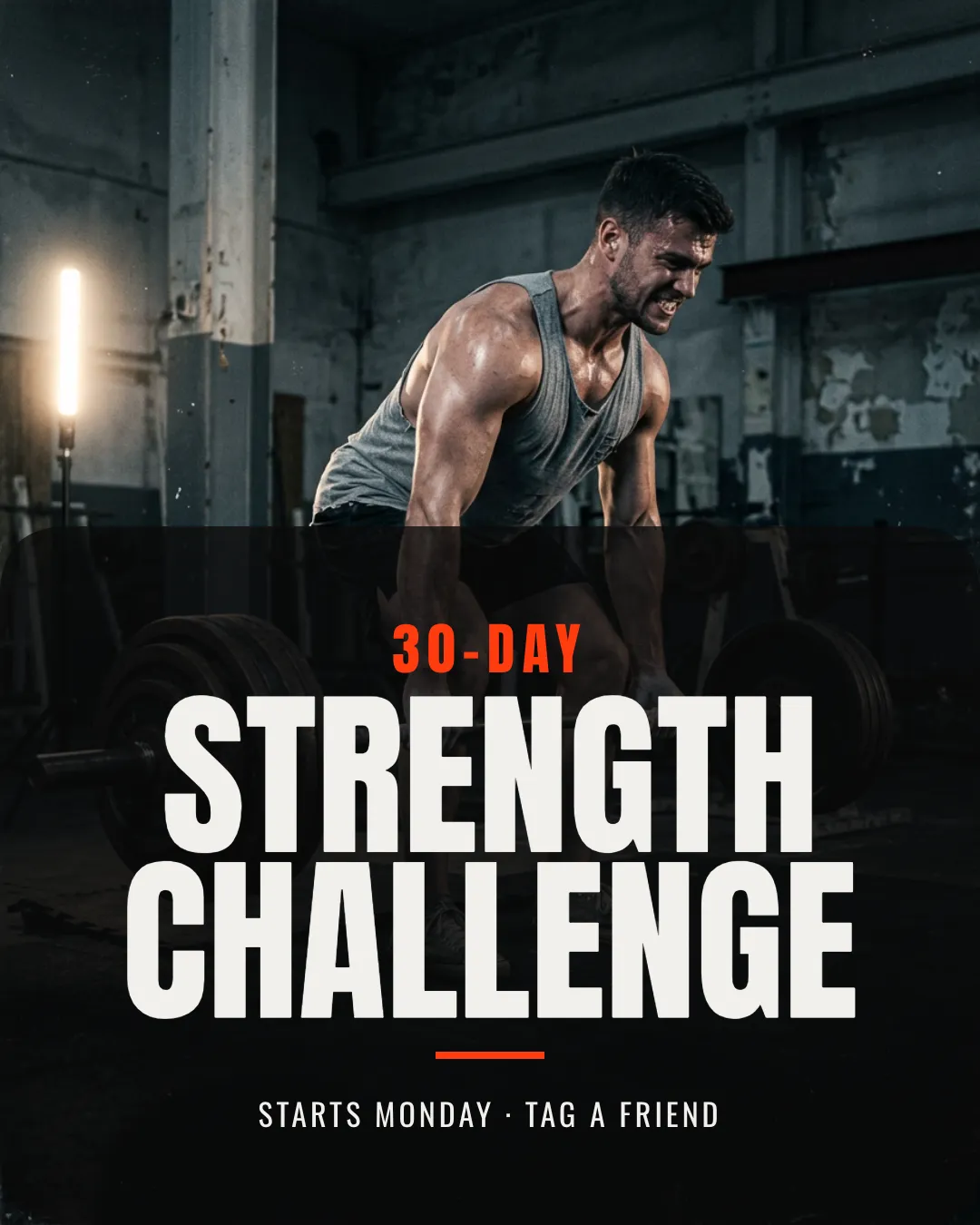
Gym challenge
Gym challenge
Prompt
30 day strength challenge · gritty · bold
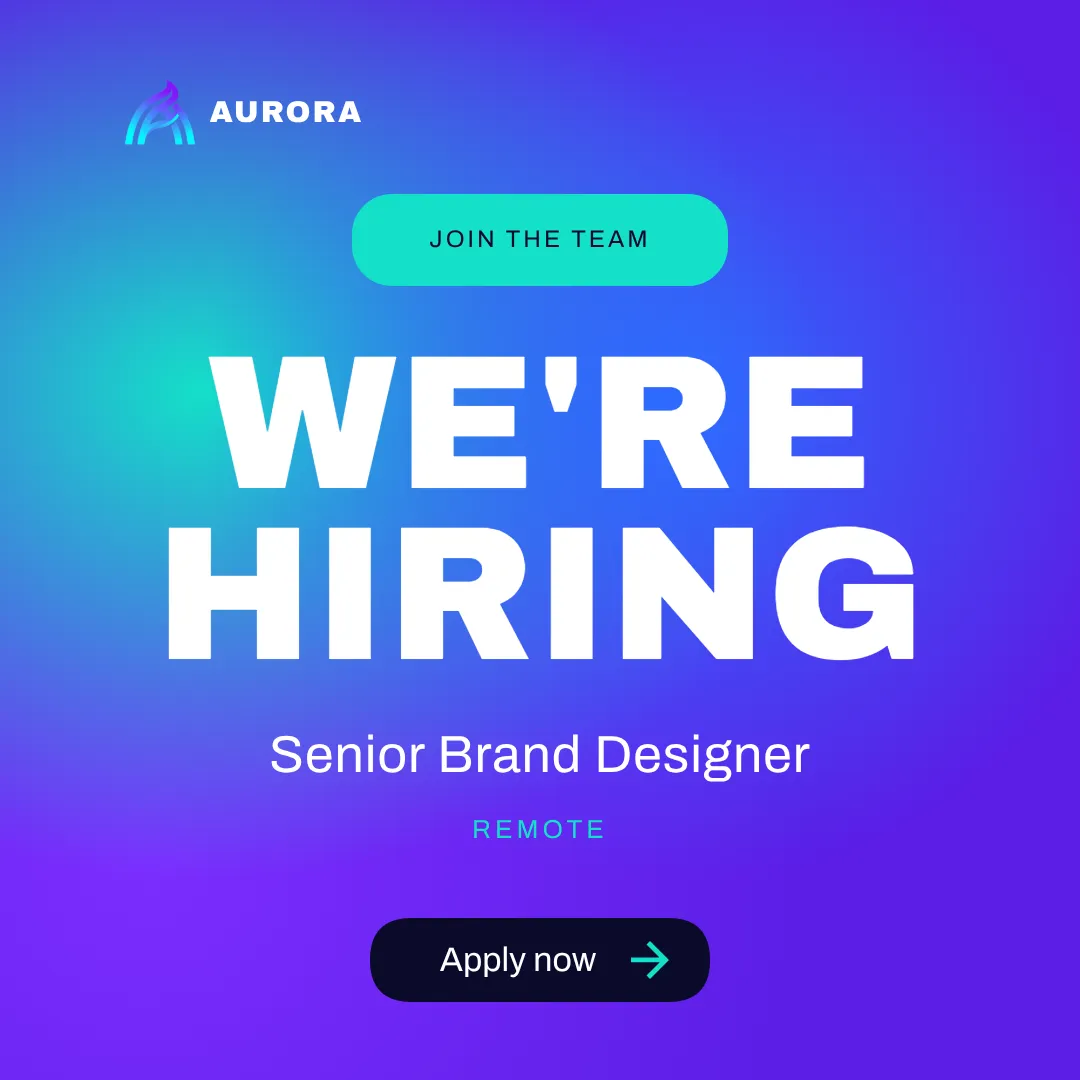
Hiring announce
Hiring announce
Prompt
We're hiring · senior brand designer · remote
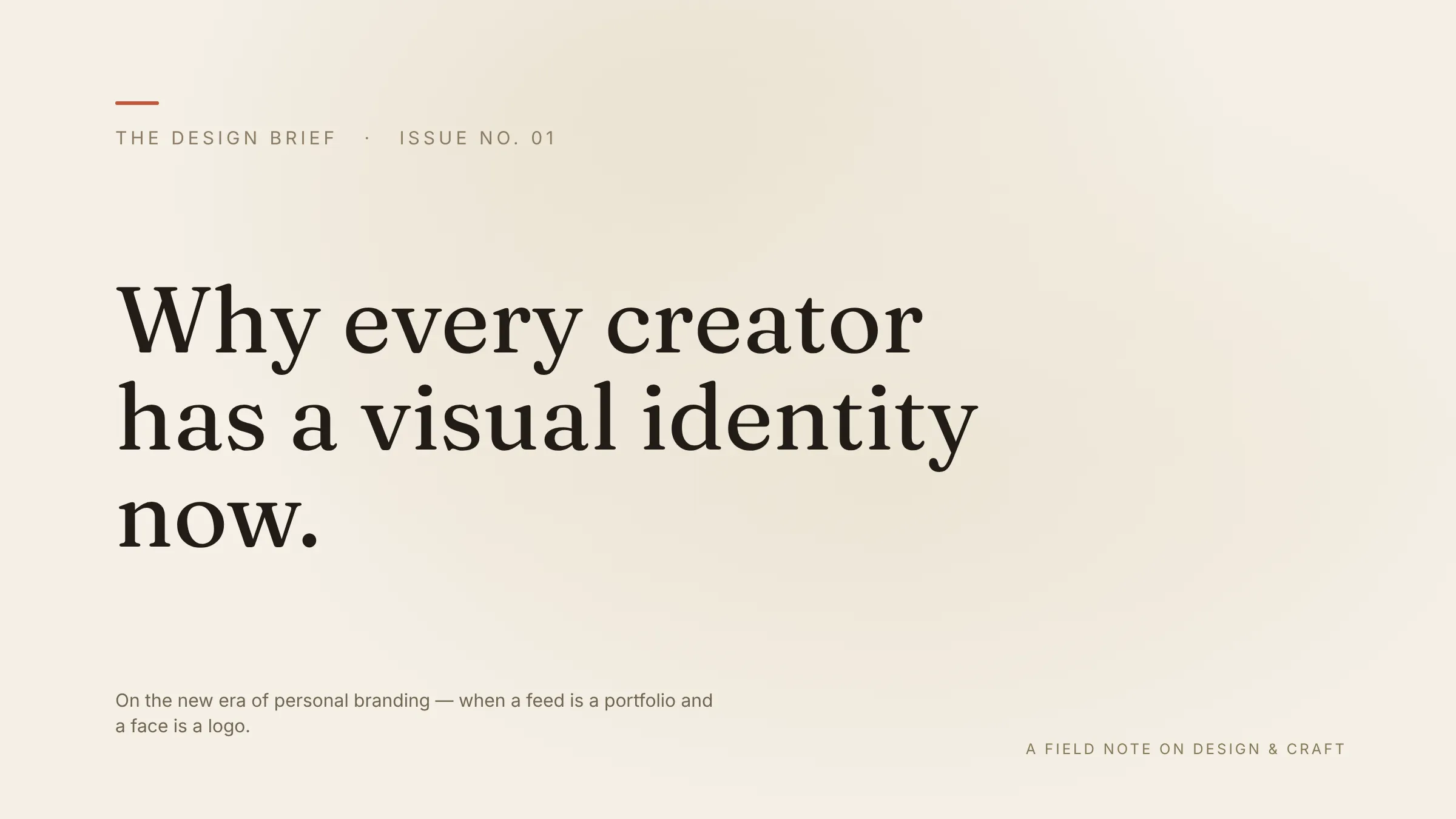
Blog hero
Blog hero
Prompt
Why every creator has a visual identity now
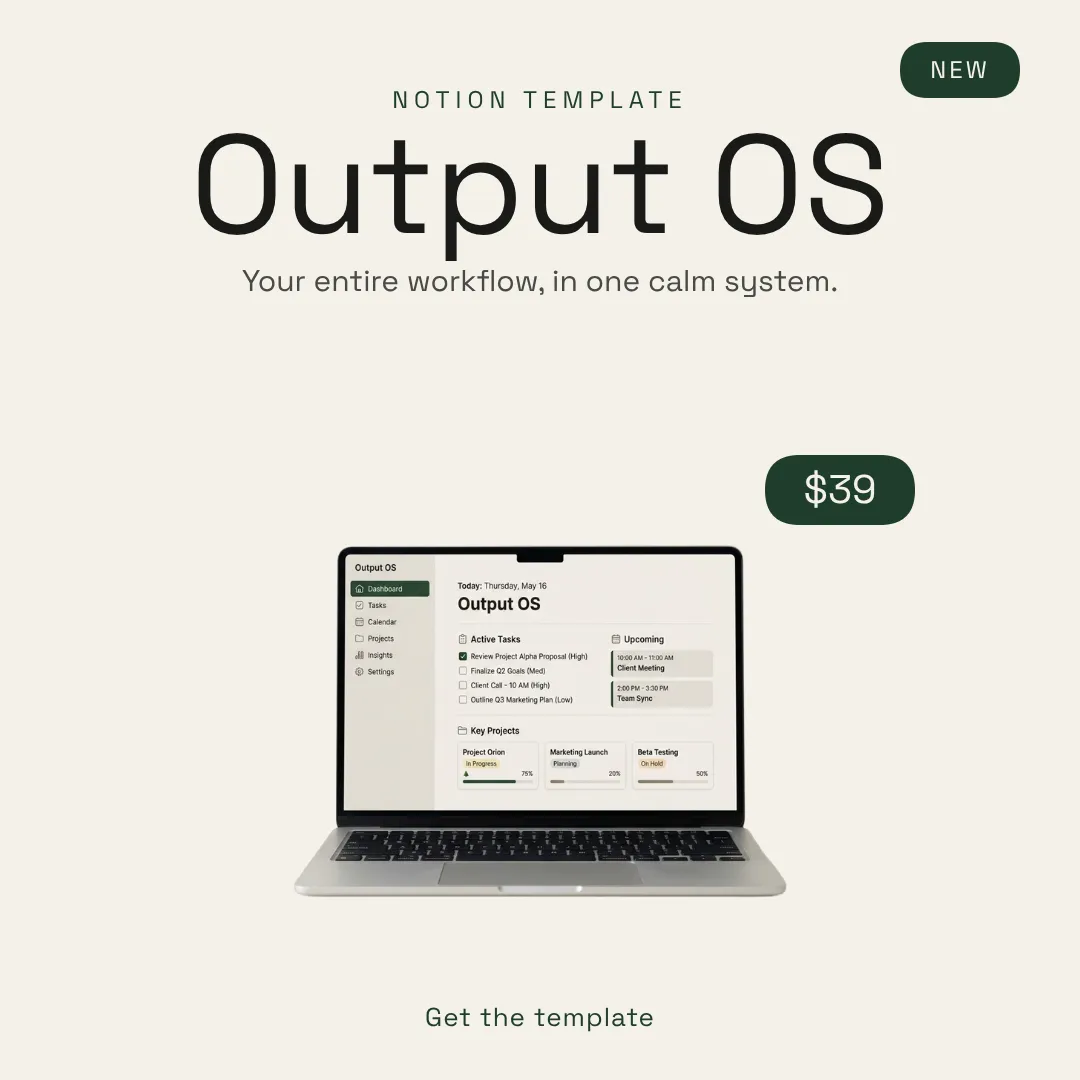
Product post
Product post
Prompt
Notion template · Output OS · $39
Lead magnet
Lead magnet
Prompt
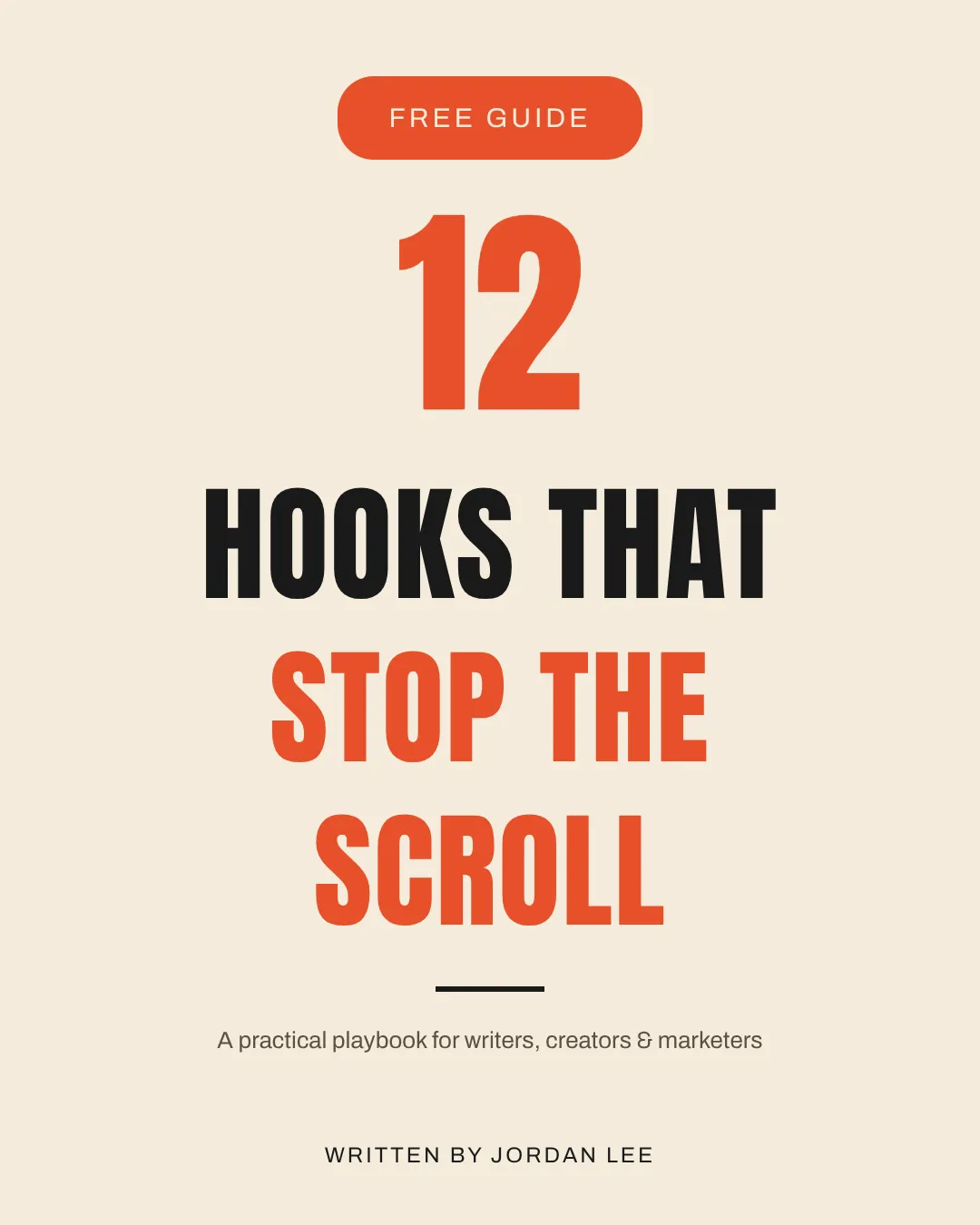
12 hooks PDF · free guide cover
Pitch slide
Pitch slide
Prompt
Slide 3 · the opportunity · $40B market
Podcast cover
Podcast cover
Prompt
Ep. 47 · the hard part of getting good
Gym challenge
Gym challenge
Prompt
30 day strength challenge · gritty · bold
Hiring announce
Hiring announce
Prompt
We're hiring · senior brand designer · remote
Blog hero
Blog hero
Prompt
Why every creator has a visual identity now
Product post
Product post
Prompt
Notion template · Output OS · $39
Lead magnet
Lead magnet
Prompt
12 hooks PDF · free guide cover
Hover any tile to see the exact prompt.

Social

Sized right for every feed and built to stop the scroll.

PostsCarouselsStoriesReelsPinsHeaders

YouTube & video

Thumbnails that get clicked. Banners that look pro. Short video up to 4K.

ThumbnailsBannersShortsReels

Marketing

Campaign assets that match your brand and ship the same day.

BannersHero imagesAd creativesEmail headers

Courses & products

Make what you sell look worth the price.

Course coversLead magnetsPitch decksPodcast art

Print & physical

Print-ready designs for the real-world stuff too.

FlyersCardsMenusSignage

Long-form & docs

Cover art that makes your writing look the part.

Blog heroesNotion bannersNewsletters

Midjourney makes pictures.
Krumzi makes designs.

What others give you

A beautiful picture you can't change.

Most AI design tools that aren't templates are image generators. Midjourney. DALL-E. Ideogram. Recraft.

Typo? Generate again.Wrong photo? Generate again.Off-brand color? Generate again.One flat image. Take it or leave it.
What Krumzi gives you

A real design file. Every layer, yours.

Krumzi doesn't give you a picture. It gives you the design. The same file a designer would hand you, except it took 60 seconds, not a week.

Every text layer is editable textEvery shape is a real shapeEvery photo is replaceable in one clickAdjustable color, size, rotation, opacity

Change a word, swap a photo, recolor anything. It's your design now, not a screenshot you're stuck with.

The longer you use Krumzi,
the more it looks like you.

The brands you admire all share one trick: everything they make looks related, like one hand made all of it. That isn't taste. It's one identity applied everywhere. Brand Mind is where Krumzi keeps yours.

01

First, you tell it who you are.

Your colors, your voice, the audience you're chasing, even the stuff you'd never be caught using.

02

Then it asks for the rest.

A few quick questions about what you sell and who it's for, and it fills in everything you didn't think to say.

03

After that, it's in everything you make.

Every new design runs through it, so you're on-brand the second you ask, no notes, no fixing it after.

Brand Mind · setup
Your brand, in 4 answers.
absorbing…
What colors are you?
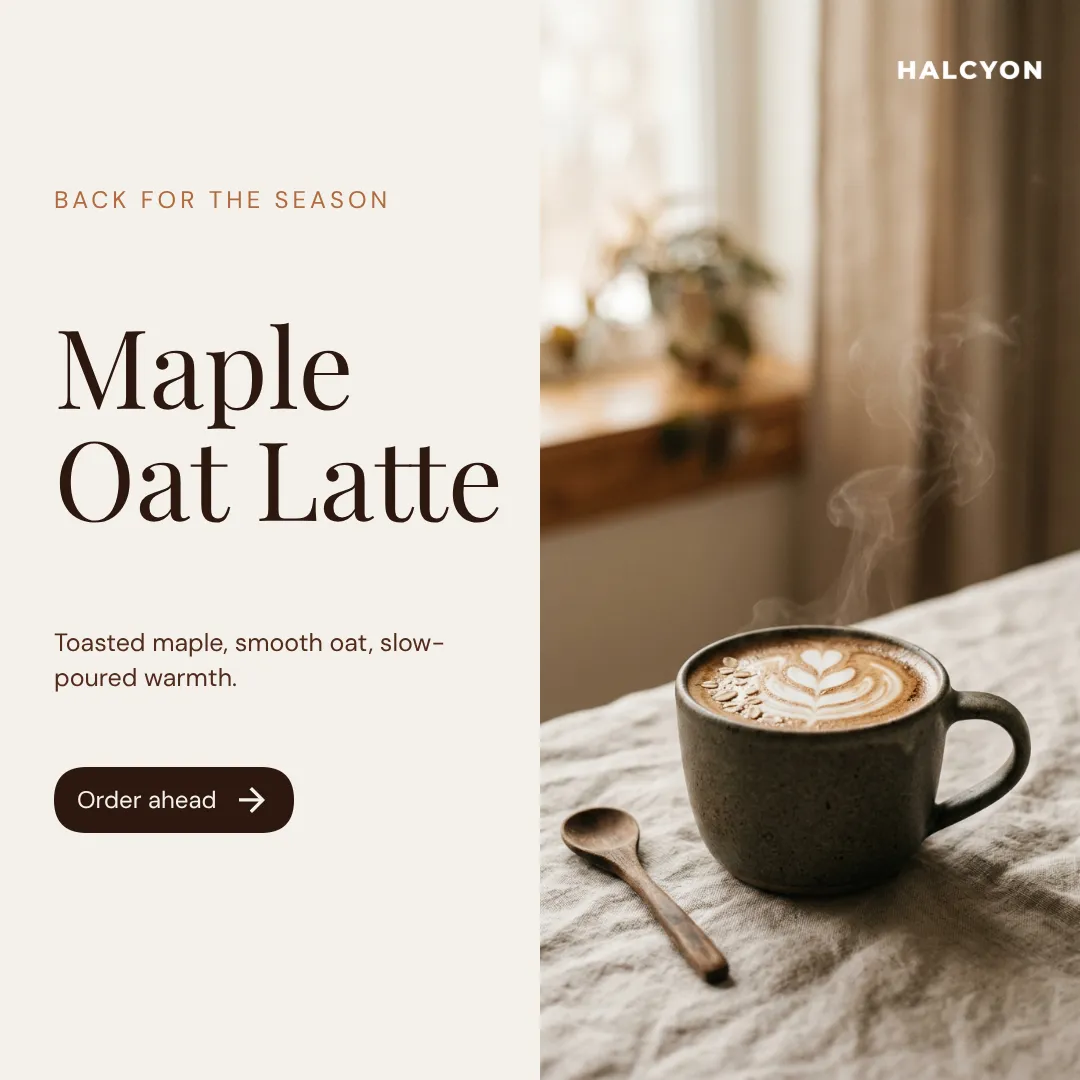
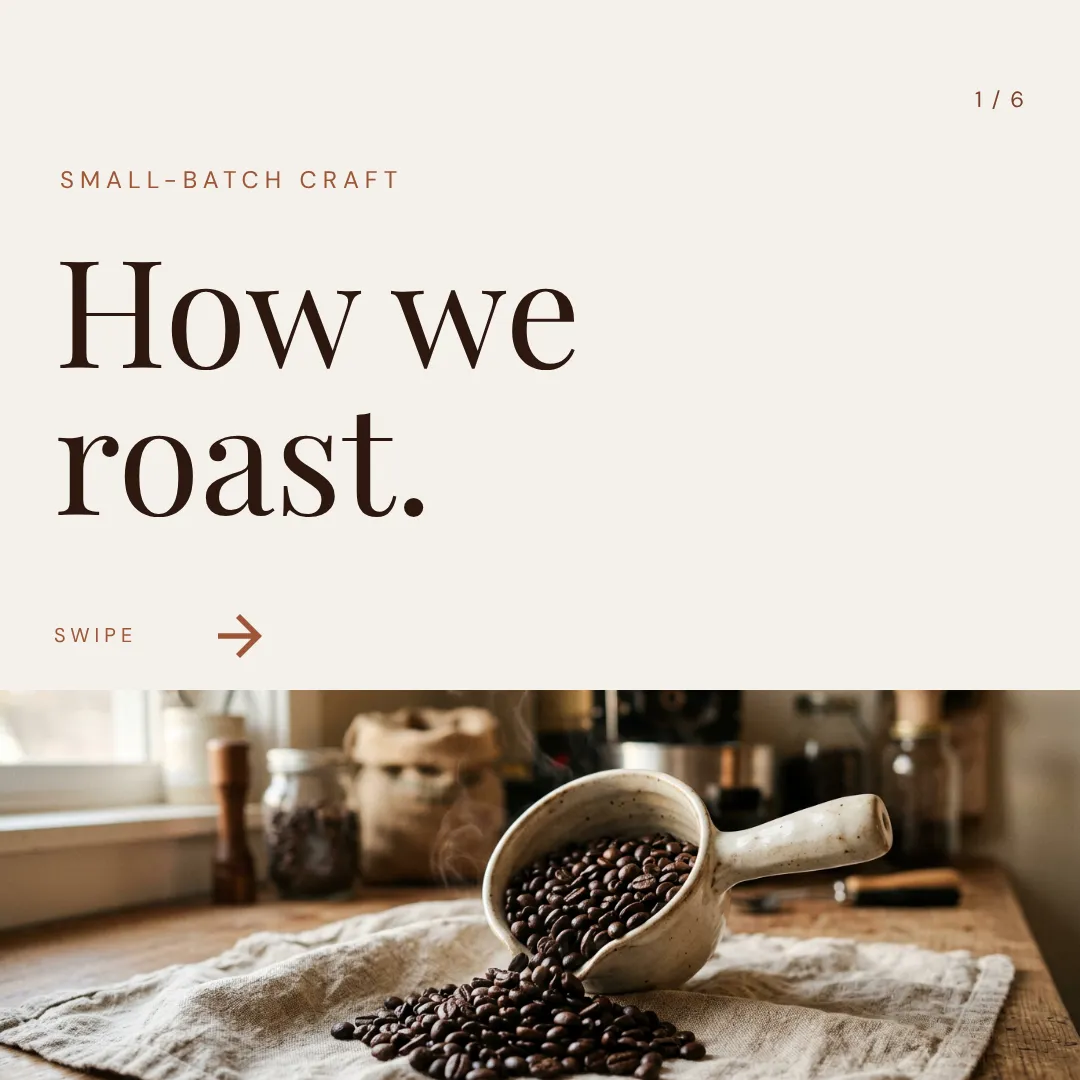
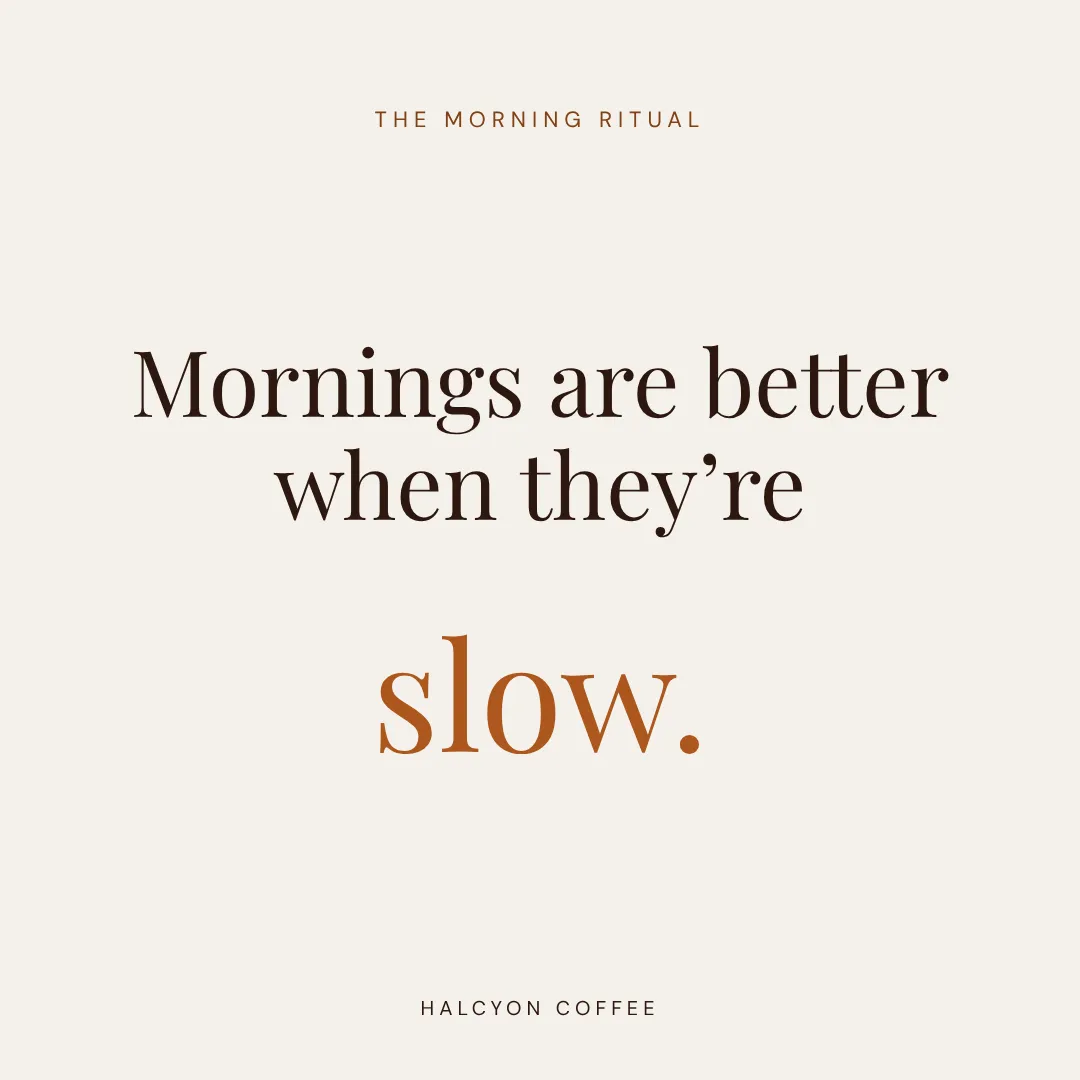
Oat cream. Espresso brown. A little terracotta when something matters.
Who are you talking to?
People who treat their morning coffee as a ritual, not a refuel.
How do you want to sound?
Warm and unhurried. Like a calm barista, never a billboard.
What would you NEVER show?
Anything loud or rushed. No neon, no hard sell.
Brand profile · live
Applied across

Suddenly it all looks like
the same team made it.

One brand brain, every format. None of it looks like a template, because none of it is.

Posts, thumbnails, ads, decks, covers, banners.

You set your brand once. It never locks.

Every design stays yours to change, starting with the very first one Krumzi makes you.

Not quite right the first time?
Change anything. In seconds.

Wrong color, wrong layout, headline in the wrong spot? Say what's off in plain words and watch it change.

K
Krumzi
online
Make it darker.
2:14
K
Done. Deeper base, brighter accent, more contrast.
Updated · 2:14
Try a totally different layout.
2:14
K
New layout. Headline left, product right.
Updated · 2:15
More playful. Less corporate.
2:15
K
Say what to change…
the brief
v1 · darker
v2 · new layout
v3 · playful

Every request comes back in seconds. Ask three different ways, line them up, pick the one you like. No version is final until you say so.

Want to nudge one thing yourself? Open the editor and drag it. Chat or click, you keep going until it's right.

How it compares

Stacked against how you design today.

Pick whatever you use now. Here's where Krumzi lands.

A designer costs by the hour. And sleeps.

Drag the slider. See what your design work costs you, three ways.

Cost calculator

How many designs do you need a month?

20designs / mo
Freelance designer
30 min/design · $50/hr
$500/ mo
3-day turnaround · No weekends
DIY in Photoshop
20 hrs of your time · ~$50/hr
20 hrs/ mo
Time cost ≈ $1,000/mo
Krumzi Pro
Daily output, every format
Best
$29/ mo
Pro · daily across every format
You save
$471/ month vs freelance
Over a year
$5,652saved
Assumes a freelance designer at $50/hr taking 30 min per asset. Your time valued at $50/hr.
The 80%
Krumzi handles the design that doesn't need a designer.

Your daily posts. Your weekly carousel. Your YouTube thumbnails. The flyer for next Tuesday. The slide for tomorrow's pitch.

$50 / hour
A fraction of the cost. Open at 11pm on a Sunday.

If you've been paying a freelancer for that work, or putting it off because it wasn't worth their hourly, you're the reason Krumzi exists.

Start your free trial

7-day free trial. Cancel in one click.

Use cases

Built for people who
make a lot of stuff.

Krumzi works for any business that ships visual content. Here's what it looks like for the people who use it most.

01 · Creators

For creators.

Daily posts. Weekly carousels. Monthly course launches. YouTube thumbnails for every upload. Lead magnet covers for every opt-in. Krumzi is the design team you don't have. Same content output, half the production time. You write the hook, the story, the call to action. Krumzi handles every visual deliverable that comes with it.

60s eachOn-brandEdit any layer
Everything in one tool

Everything a designer does.
None of the time it takes.

0 features across five areas. Tap any one to look inside. Everything here ships with Pro, from day one.

All included in Pro and Ultra

The best of each area. Tap one to see everything inside.

Also covered

The billing stuff most tools make hard.

7-day free trialCancel in one clickTop-up credit packsUsage dashboardIn-app plan switchingYearly billing (with savings)Multiple brands per accountTax-ready PDF invoices
Updated continuously. New features ship every week.
Start your free trial
Pro and Ultra include everything above. Starter covers the image side.
FAQ

The questions that
actually stop people.

Canva is templates. You search, pick one, recolor, replace text, fight alignment. Krumzi is a designer. You describe what you need and the AI builds the whole thing from scratch: layout, colors, fonts, every element placed where a designer would place it. Then if you want to edit, the editor is right there. Most users don't change a thing.

Most "AI design" tools are template fillers with a prompt box. They take an existing template, autofill your text and colors, and call it AI. Krumzi has no template library. Every design starts from nothing and gets built decision-by-decision by the AI. That's why the output looks custom: because it is custom.

No. Every design picks a different composition, palette mix, and typographic treatment. Brand Mind steers the AI to stay on-brand, but never to repeat itself. If you don't like one, ask for "totally different" and you'll get one in seconds.

Pretty much any visual you'd post, sell, or print. Social posts for every platform, carousels, YouTube thumbnails and banners, short video, sales page banners, lead magnet and course covers, pitch deck slides, flyers, posters, ad creatives, email headers. Pick a preset (Instagram post, YouTube thumbnail, A4 flyer, story, banner ad) or set custom dimensions, and the AI designs to whatever canvas size you give it. Brand Mind and Brand Kit apply across every format automatically.

Yes, on Pro and Ultra. Tell Krumzi what the video is about and it builds the scenes, adds transitions, animates the text, generates auto-captions in 10 languages, and renders up to 4K. Underneath is a full timeline editor with tracks, scenes, voiceover, music, jump cuts, and animated counters.

Seven days of full Pro access. Every Pro feature, generous credits. We hold a card to keep bots out. You are not charged until day 8. Cancel any time before then in one click.

We send a reminder before the trial ends. Cancel from Settings in one click. No calls, no forms, no "please reconsider" gauntlet. There's a refund window inside the first week if you used fewer than 100 credits.

Yes. Settings, then Billing, then one click. If you cancel during the trial, you're not charged. If you cancel after, you keep access until the end of the billing period. No retention call.

Every plan includes a monthly credit allowance. AI image generation is 5 credits, background removal is 5 credits, design generation is metered by actual model usage. Most Pro users finish the month with credits to spare. Top-up packs are available without changing your plan.

Yes. Brand Kit applies your store's branding to every design. Drop product photos into the canvas and Krumzi builds the post or ad around them. Product video ads, carousel ads, sale banners, email headers, all covered. Background removal is built in.

Canva is the world's best template tool, and their AI generates templates that fit your prompt. Krumzi generates designs that fit your prompt. There's no template underneath. If you've tried Canva's AI and the results felt like rearranged templates, that's why.

You can generate, preview, and download on mobile. The full editor is desktop-first because it has dozens of layers and panels, and a phone screen is too small to make that feel good. Generate on your phone, edit on a laptop.

The editor is built for non-designers. Drag, click, type. Same as Canva, with fewer reasons to use it, because most users ship what Krumzi makes without changing anything.

One founder and a small team. We work on Krumzi every day and we answer email ourselves. No outsourced support desk, no ticket queue that goes nowhere.

Andrei Terteci, founder of Krumzi
Andrei
FOUNDER · KRUMZI
FOUNDER NOTE
A note from the founder

“I was spending more time designing my posts than running my business.”

That was me, eighteen months ago. So I built the tool I wished existed.

I'm not a designer. I knew what good design looked like. I could scroll a competitor's Instagram, look at their YouTube thumbnails, see their landing pages, and tell which were going to do well. I just couldn't make them myself. You know that 45-minute Canva spiral? That was my every week, and the numbers were what you'd expect.

I tried AI design tools. They made beautiful pictures I couldn't edit. Or they filled templates that looked like everyone else's. Neither solved the actual problem: I wanted a tool that designed like a designer would. Not autofill. Not search-and-recolor. Design.

Krumzi is the tool I wanted to exist. You describe what you need (a post, a thumbnail, a banner, a slide) and the AI designs it. The output looks custom because it is. And if you want to change anything, every layer is yours, same as a designer would hand you.

If that's the tool you've been waiting for, the trial is free for 7 days. Make a few things. See if it changes how you work.

Andrei Terteci
FOUNDER, KRUMZI
Your turn

Type one of those briefs.
Watch it design.

Free for 7 days. Cancel in one click, no charge until day 8.

K
Krumzi
krumzi.com/new
AttachBrand1:1Opus 4.7
Start your free trial
7-day free trialCancel in one click